
AI-Powered Tools That Work For You (Not Replace You)

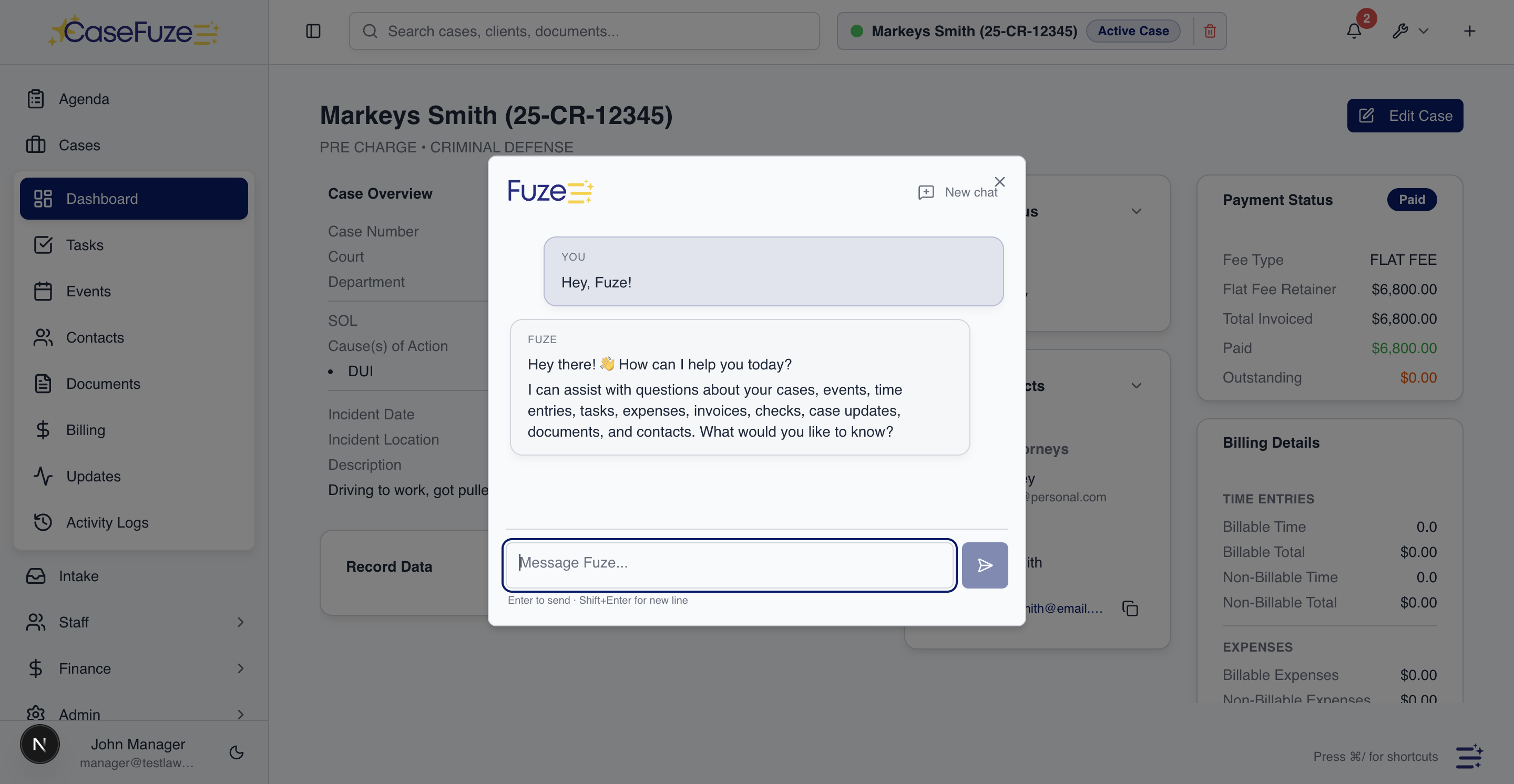
Artificial intelligence in legal software gets hyped constantly. Most of it is marketing noise. CaseFuze uses AI where it actually helps: reducing repetitive work, finding information faster, and catching mistakes before they become problems. We’re not trying to replace attorneys. We’re building tools that make you more productive.

Smart Case Search

Finding the right case or information shouldn’t require remembering exact names, numbers, or dates. You remember fragments: “that personal injury case from last year with the knee surgery” or “the Smith divorce with the custody dispute.”

CaseFuze’s AI-powered search understands these natural language queries. Type what you remember and the system finds relevant cases based on:

  • Client names and aliases
  • Case types and practice areas
  • Key dates and time periods
  • Involved parties and witnesses
  • Document content and case notes
  • Related cases and matter connections


The search learns from what you click on. If you search for “car accident cases” and consistently open cases from specific date ranges or attorneys, future searches weigh those patterns. Results get more relevant over time as the system learns what you’re typically looking for.

This saves time every day. Instead of browsing through case lists or running multiple filtered searches, you describe what you want and the system finds it.

Document Intelligence

Legal documents contain information that belongs in structured case fields. Complaint filed dates, defendant names, damages amounts, medical providers. Manually reading documents and entering this data wastes hours.

CaseFuze’s document processing reads uploaded documents and suggests data extraction:

Upload a police report and the system identifies accident date, location, involved parties, and officer names. Confirm the suggestions and this information populates in appropriate case fields automatically.

Upload medical records and the system extracts provider names, treatment dates, diagnosis codes, and procedure costs. This data becomes searchable and usable without manual data entry.

Upload contracts and the system identifies parties, effective dates, termination clauses, and key terms. Contract management fields populate automatically.

The AI makes suggestions that you review and confirm. It’s not making changes automatically. You maintain control while benefiting from automated reading and extraction.

How CaseFuze Simplifies AI-Powered Tools That Work For You (Not Replace You)

AI-Powered Tools That Work For You (Not Replace You)

Artificial intelligence in legal software gets hyped constantly. Most of it is marketing noise. CaseFuze uses AI where it actually helps: reducing repetitive work, finding information faster, and catching mistakes before they become problems. We're not trying to replace attorneys. We're building tools that make you more productive.
Conflict Checking Intelligence

Conflict Checking Intelligence

Basic conflict checks search for exact name matches.

  • Name variations Robert Smith, Bob Smith, R. Smith might be the same person
  • Business relationships ABC Corp might be related to ABC Holdings or ABC Industries
  • Family connections Jane Doe might be related to John Doe from a previous matter
Conflict Checking Intelligence

Basic conflict checks search for exact name matches. But conflicts often involve relationships that aren’t obvious from names alone.

AI-powered conflict checking identifies potential conflicts through:

  • Name variations: Robert Smith, Bob Smith, R. Smith might be the same person
  • Business relationships: ABC Corp might be related to ABC Holdings or ABC Industries
  • Family connections: Jane Doe might be related to John Doe from a previous matter
  • Address correlations: Multiple people at the same address might be household members
  • Historical patterns: Previous cases involving similar parties or opposing counsel


The system flags these potential connections for human review. You investigate whether flagged relationships represent actual conflicts. The AI surface possibilities you might not have noticed through basic name matching.

This intelligence prevents conflict problems before they develop. Finding out six months into representation that a conflict existed all along creates ethical nightmares. AI-assisted conflict checking catches these issues during intake.

Deadline Calculation Verification

Calculating legal deadlines correctly is critical. Miss a statute of limitations and you’ve committed malpractice. File late and you’re facing sanctions.

CaseFuze’s deadline calculator uses court rules databases to determine correct deadlines. AI adds an additional verification layer:

The system reviews calculated deadlines and flags anything unusual. If a motion response deadline calculates to 15 days but similar matters in your jurisdiction typically show 30 days, the system alerts you to double-check.
If you manually enter a deadline that conflicts with calculated deadlines, the system highlights the discrepancy. Maybe you have additional information making the manual entry correct. Maybe you made a typo. Either way, the system catches the inconsistency before it causes problems.

This AI verification acts as a safety net. The automated calculations are almost always correct, but the AI review catches edge cases and prevents the rare mistakes from slipping through.

Duplicate Detection

Duplicate records create confusion. Is this a new client or an existing one with slightly different name spelling? Is this a new case or an existing matter that someone’s re-entering?

AI-powered duplicate detection identifies potential duplicates even when information doesn’t match exactly:

  • Names with spelling variations (Stephen vs Steven, Smith vs Smyth)
  • Addresses with format differences (123 Main St vs 123 Main Street, Apt 4)
  • Phone numbers with different formatting
  • Email addresses with typos or variations
  • Similar but not identical case descriptions


When you’re entering a new record, the system flags potential duplicates. “This client looks similar to an existing record. Are they the same person?” You review, merge if appropriate, or confirm they’re actually different people with similar names.

This prevents the nightmare of discovering six months later that you have three different client records for the same person, each with different case history, contact information, and billing records.

Email Classification

Your inbox contains case-related emails mixed with marketing, personal messages, and administrative correspondence. Sorting through this manually to find what belongs in case files takes time.

AI email classification reads incoming messages and identifies which emails relate to cases:

  • Client communications get associated with their cases automatically
  • Opposing counsel correspondence links to appropriate matters
  • Court notices attach to relevant cases
  • Expert communications connect to cases they’re consulting on


The classification suggests associations that you can confirm or correct. Over time, as you confirm suggestions, the AI learns your patterns and gets more accurate.

This automation reduces the manual work of filing emails to cases while ensuring important correspondence doesn’t get lost in inbox clutter.

Billing Intelligence

Time tracking is never perfect. You forget to start timers. You log time at day’s end and struggle to remember exactly what you worked on. Your time entries sometimes lack appropriate detail.

AI billing assistance helps improve time tracking and billing accuracy:

Automatic time suggestions analyze your calendar, document access, email activity, and previous time patterns to suggest time entries you might have forgotten. If you had a two-hour case meeting that never got a time entry, the system reminds you.
Description improvement reviews time entry descriptions and suggests more detailed language. “Client call” becomes “Conference call with client regarding settlement offer evaluation and next steps.” Better descriptions reduce billing disputes.

Rate verification checks whether applied billing rates match client agreements and firm policies. If someone accidentally bills at the wrong rate, the system catches it before invoices generate.

These AI tools don’t change your time entries automatically. They make suggestions that you review. You maintain control while benefiting from intelligent assistance.

Document Generation Assistance

Template-based document generation works well for standard forms. But customized documents need more intelligence.

AI document assistance helps with complex document creation:

Content suggestions based on case type and facts. Drafting a demand letter? The system suggests damage categories commonly included in similar cases and language patterns that have worked previously.

Precedent matching finds similar documents from previous cases. Working on a motion that resembles one filed six months ago? The AI surfaces that previous motion so you can reference or adapt its approach.

Consistency checking reviews documents for internal inconsistencies. Dates that don’t align, party names that vary throughout the document, or calculation errors all get flagged for correction.

This assistance speeds drafting while reducing errors. You’re still writing the documents. The AI helps you write faster and more accurately.

Predictive Analytics (Planned)

Future AI capabilities under development include predictive analytics that learn from your firm’s case history:

Case value prediction based on similar previous cases, helping you evaluate settlement offers and set client expectations realistically.

Duration estimates predicting how long cases typically take from intake to resolution, improving workload management and client communication.

Outcome probability showing likely case outcomes based on facts, jurisdiction, and opposition, supporting strategic decisions about whether to settle or litigate.
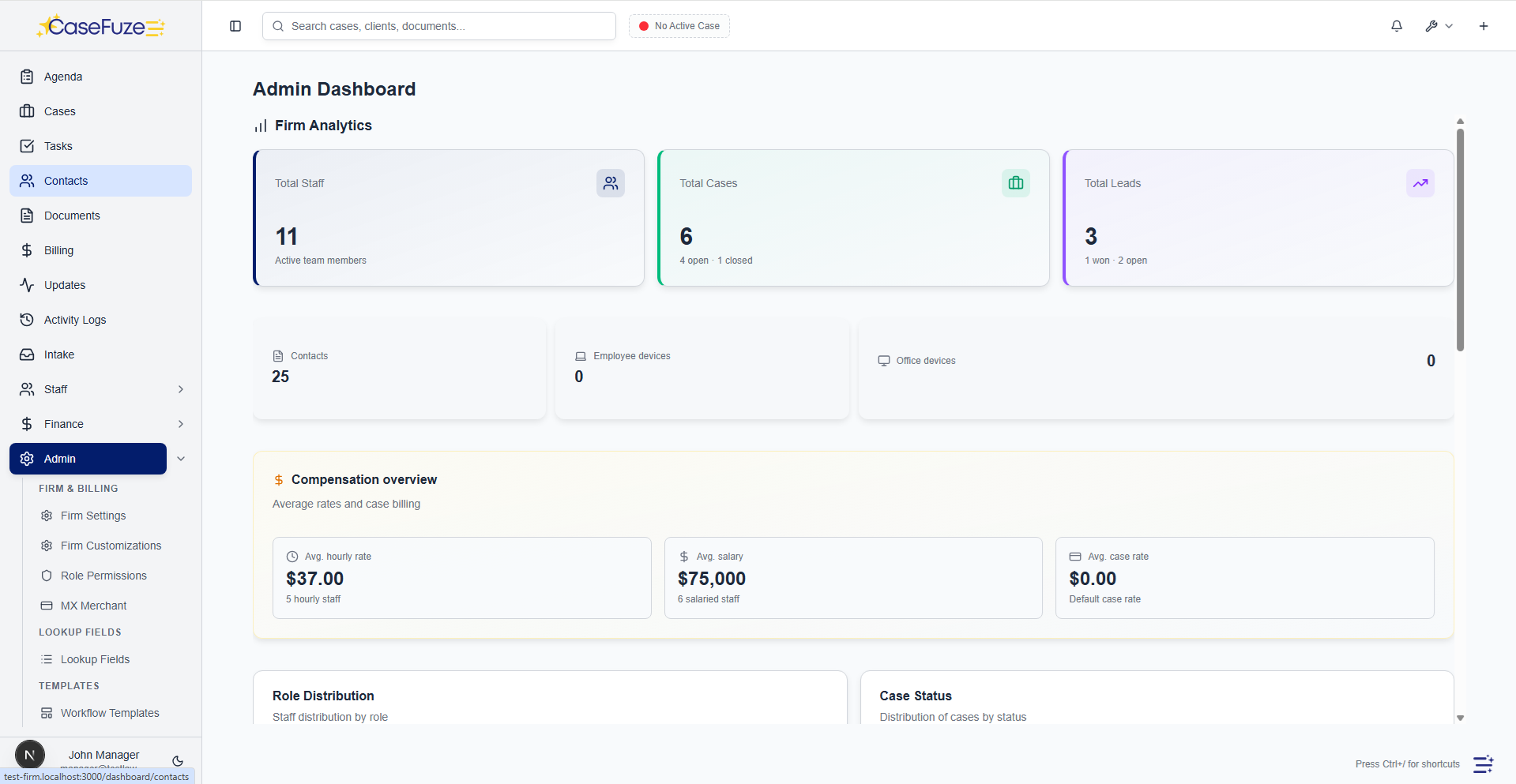
These predictive features require substantial case history to work accurately. As your firm builds data in CaseFuze, these capabilities will become available and improve over time.

Responsible AI Development

AI tools need careful development to avoid bias, errors, and ethical problems. CaseFuze’s approach to AI emphasizes:

Human oversight – AI makes suggestions, humans make decisions. No AI system changes data, sends communications, or takes actions without human approval.

Transparency – When AI makes suggestions, the reasoning is visible. You understand why the system flagged something, not just that it was flagged.

Continuous learning – AI improves based on your confirmations and corrections. The more you use CaseFuze, the more accurate AI suggestions become for your specific practice.

Privacy protection – AI processing happens on secure servers with the same encryption and access controls as all other data. Your confidential case information stays confidential.

Bias awareness – We monitor AI systems for biased patterns and adjust models to ensure fair treatment regardless of client demographics or case characteristics.

AI That Makes Sense

Legal AI shouldn’t be mysterious magic or marketing hype. It should be practical tools that solve real problems you face daily.

CaseFuze’s AI features focus on:

  • Reducing data entry through intelligent extraction
  • Improving search through natural language understanding
  • Catching errors before they become problems
  • Learning from your patterns to get better over time


These capabilities save time, reduce mistakes, and let you focus on practicing law instead of managing administrative tasks.

Not Replacing Attorney Judgment

AI assistance doesn’t replace legal expertise. It supports your work by:

  • Finding information faster
  • Suggesting entries you might have forgotten
  • Flagging inconsistencies worth reviewing
  • Automating repetitive data processing


You still review conflicts, decide billing approaches, draft documents, and exercise legal judgment. AI just makes the supporting work faster and more accurate.

Some legal AI products claim to replace attorneys or automate legal decision-making. That’s not our approach. We’re building tools for attorneys to use, not AI that pretends to be attorneys.

Future AI Development

AI capabilities will expand based on what actually helps law firms work better:

  • Voice input for time tracking and case notes
  • Automatic summarization of long documents or transcripts
  • Smart task prioritization based on deadlines, importance, and workload
  • Client communication analysis identifying client satisfaction issues before they escalate
  • Document comparison highlighting changes between versions automatically

These features develop gradually as technology matures and as we understand which capabilities provide real value versus novelty appeal.

Request AI features through our feedback system. Popular requests influence development priorities. We build what helps you practice law more effectively, not what sounds impressive in marketing materials.

Pricing AI-powered tools are included in CaseFuze’s standard $49 per user, per month pricing. No AI surcharges. No per-use fees. No premium tiers required for AI access.

Most firms save 5-10 hours per attorney per week through AI assistance with case search, conflict checking, duplicate detection, and billing intelligence. Those time savings translate directly to either more billable hours or better work-life balance.

Simple & Transparent Pricing

CaseFuze keeps pricing straightforward'$49 per user, per month with every feature included. No tiers, no hidden add-ons, and no confusing upgrade paths. From legal case management software essentials like matters, billing, and trust accounting to advanced tools for HR, reporting, and automation, you get it all in one plan. As your firm grows, simply add users and scale without worrying about extra costs.

All in One

$49/ User / Month

Flat-rate pricing that covers your entire firm. No tiers. No hidden costs. No add-ons.

Includes:

Why CaseFuze Pricing Works for Every Firm

CaseFuze is designed to remove complexity not only from practice management but also from how you pay for it. With one flat rate of $49 per user, per month, you get unlimited access to the complete platform, matters, billing, IOLTA trust accounting, HR operations, documents, and mobile apps, all included from day one. There are no confusing tiers, hidden add-ons, or upgrade traps. This keeps costs predictable and allows your team to focus on serving clients instead of managing multiple subscriptions.

Our pricing model also scales naturally as your firm grows. Whether you're a solo attorney adding your first assistant or a small team expanding into multiple practice areas, every new user joins the same flat-rate plan with full access to all features. That means you don't lose functionality as you grow, and you never have to pay extra just to unlock core tools. CaseFuze makes it easy to budget with confidence, knowing that everything you need is already included.

All-in-One Access

One plan includes case management, billing, documents, trust accounting, and HR tools.

Scales With Your Firm

Add new users seamlessly while keeping the same predictable plan.

No Hidden Costs

Transparent pricing ensures your software budget is stable and reliable.