
Client Intake That Converts More Cases
Every potential client who contacts your firm is an opportunity. CaseFuze helps you capture leads, qualify them quickly, and convert the right ones into paying clients without losing anyone in the process.
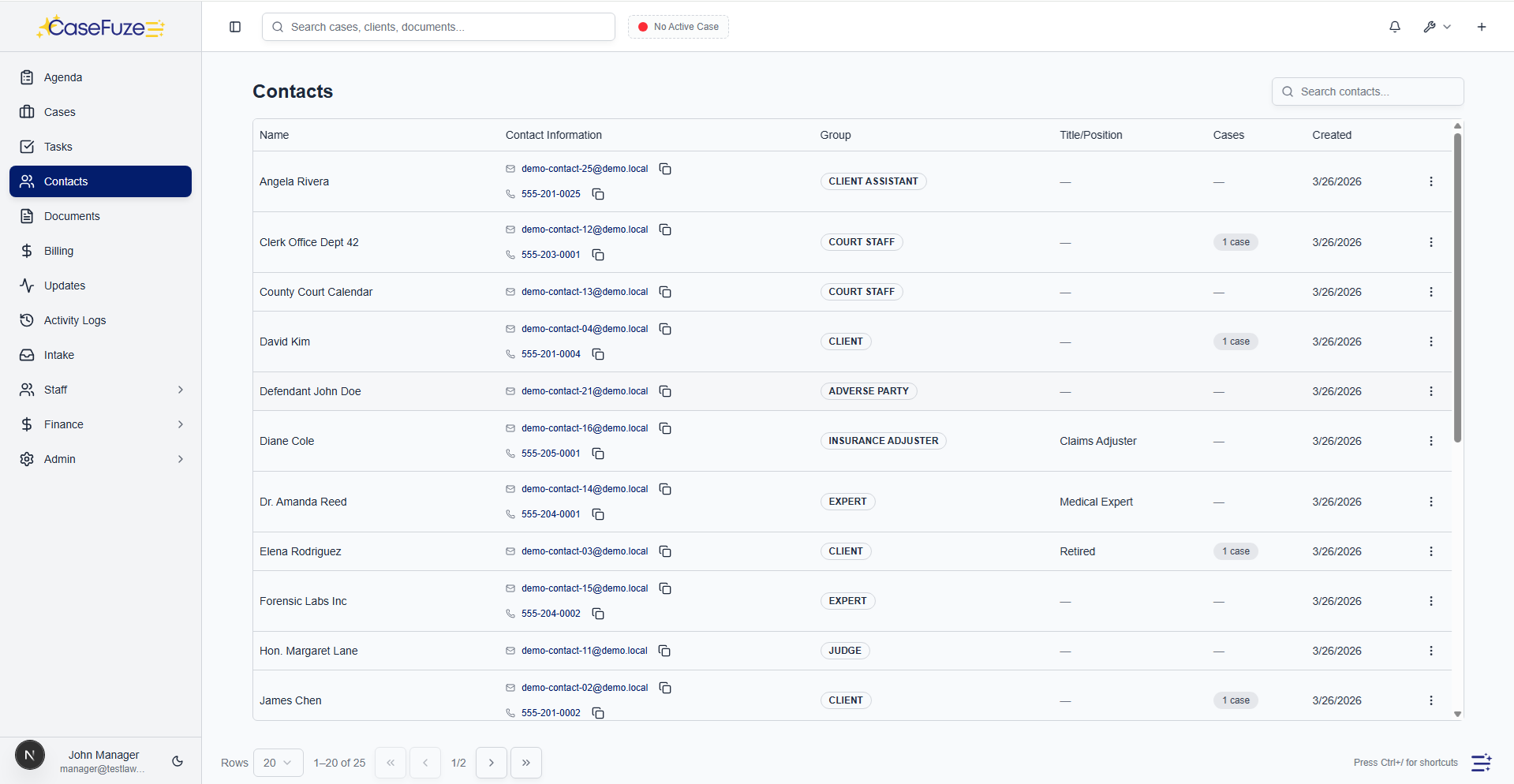
Automated Conflict Checks
You can't take every case that comes through the door.
- Client names (current and former)
- Opposing parties from all matters
- Family members and business associates
Quick Qualification
Not every lead becomes a client.
- CaseFuze includes qualification workflows that help you assess leads quickly.
- Intake forms capture key information about case viability damages amounts, liability clarity, statute of limitations status, defendant solvency.
- Based on these factors, leads get scored automatically.
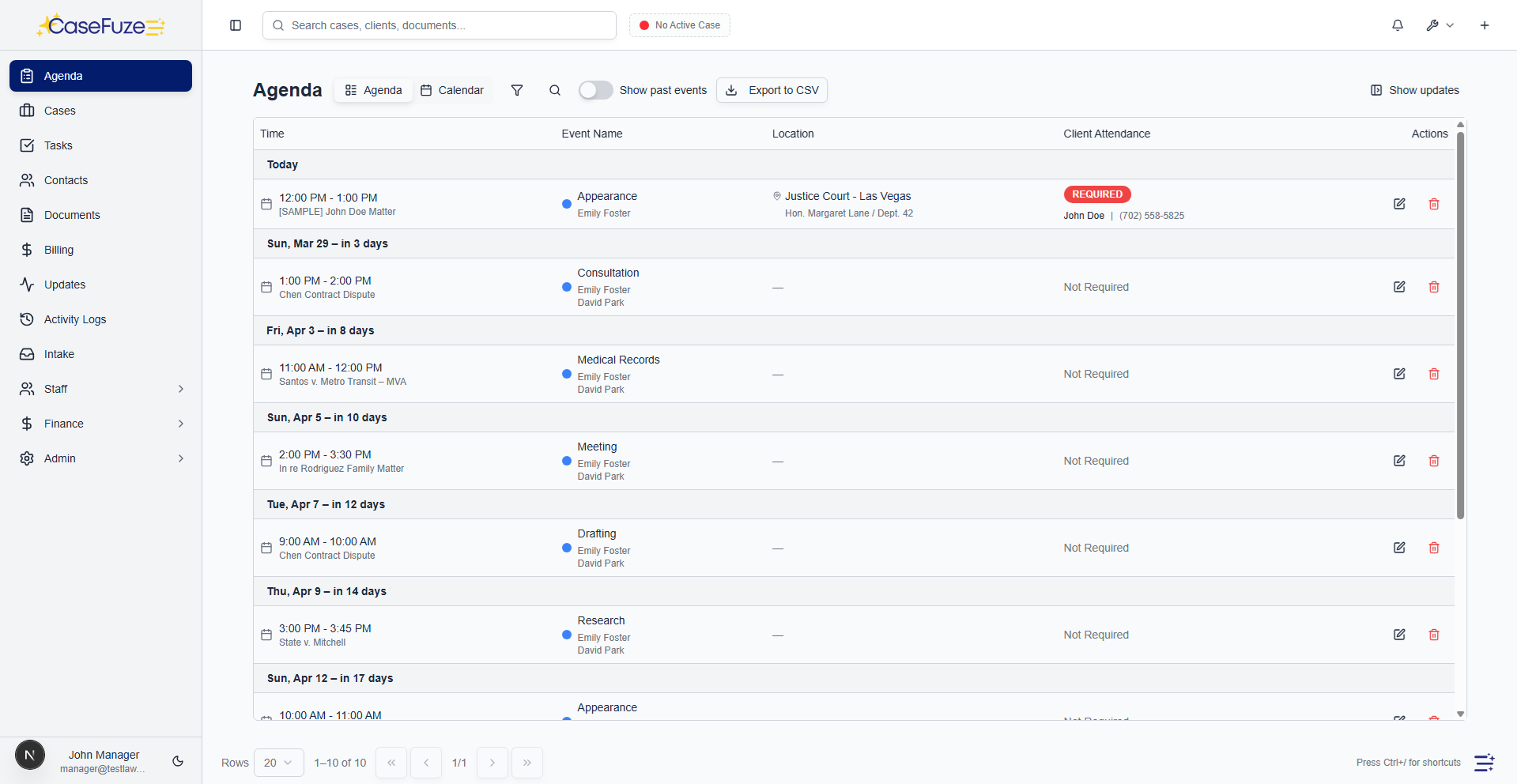
Consultation Scheduling
Converting leads often requires consultations.
- CaseFuze integrates with your calendar and allows leads to self-schedule consultations.
- They receive a link showing your available times, select a slot that works for them, and the appointment books automatically.
- Confirmation emails go to both the lead and your team.
Consultation Preparation
Attorneys going into consultations need context.
- CaseFuze compiles consultation packets automatically.
- All information from the intake form, previous communications, notes from staff, and relevant case law or resources get packaged into one document.
- The attorney reviews this before the consultation and enters the meeting prepared.
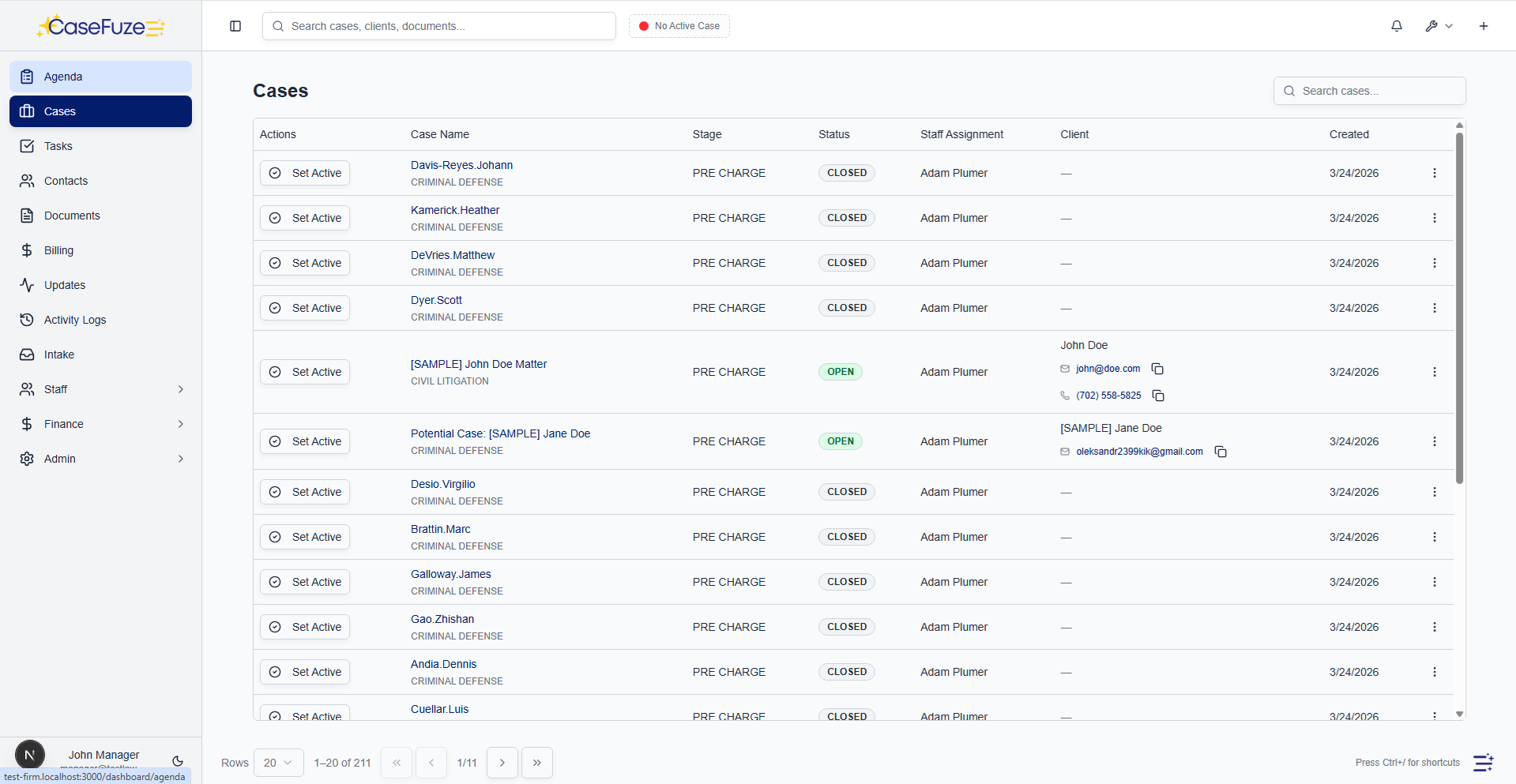
Convert to Client
When a lead agrees to hire your firm, converting them to an active client should be seamless.
- CaseFuze promotes leads to client matters with one click.
- All information from the intake process transfers automatically.
- Contact details, case facts, documents, conflict check results, and communication history all move to the new client file.
Lead pipeline with stages that match your process
Track every lead from initial contact through retention with stages designed for law firm intake.
- Prospect First contact. Lead captured from phone call, web form, referral, or walk-in.
- Attorney call Lead scheduled for or completed an attorney consultation call.
- Follow-up Lead needs additional follow-up before scheduling a consultation or signing.
Lead sources and referral tracking
Know where your best cases come from. Track lead sources and referral sources to measure marketing ROI.
- Lead source tracking Tag each lead with the source (Google Ads, referral, past client, website, Yelp, billboard, etc.).
- Custom lead sources Create unlimited custom lead sources for your firm's marketing channels.
- Referral contact tracking Track which contacts (other attorneys, past clients, family members) refer leads to your firm.
Intake staff assignment and accountability
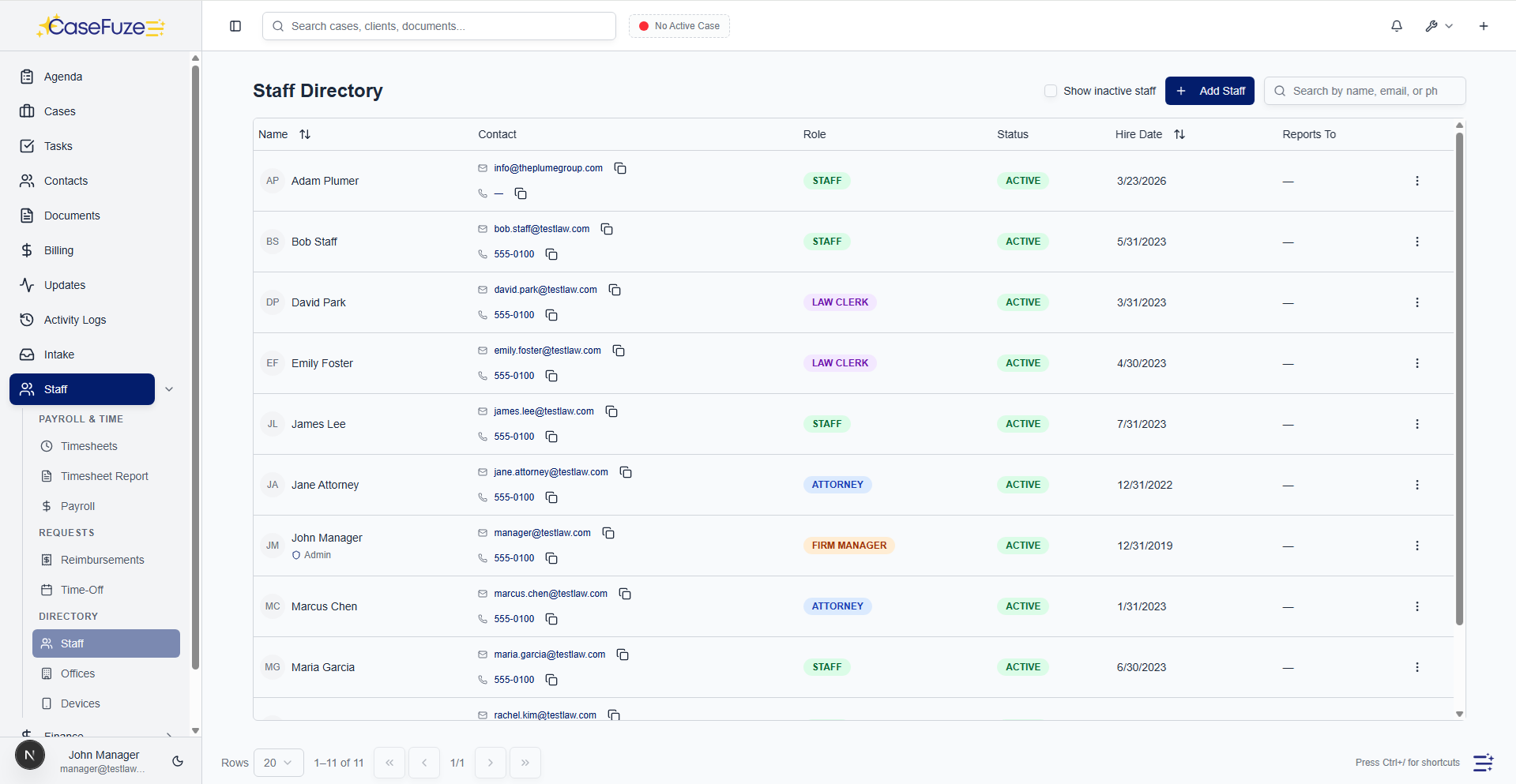
Assign leads to intake staff and track performance. Know who's converting leads and who needs help.
- Intake staff assignment Assign one or more intake staff to each lead.
- Intake team assignment Assign multiple staff to a lead for team-based intake (receptionist + intake coordinator + attorney).
- Round-robin assignment Automatically assign new leads to intake staff in rotation for balanced workload.
Lead follow-up and reminders
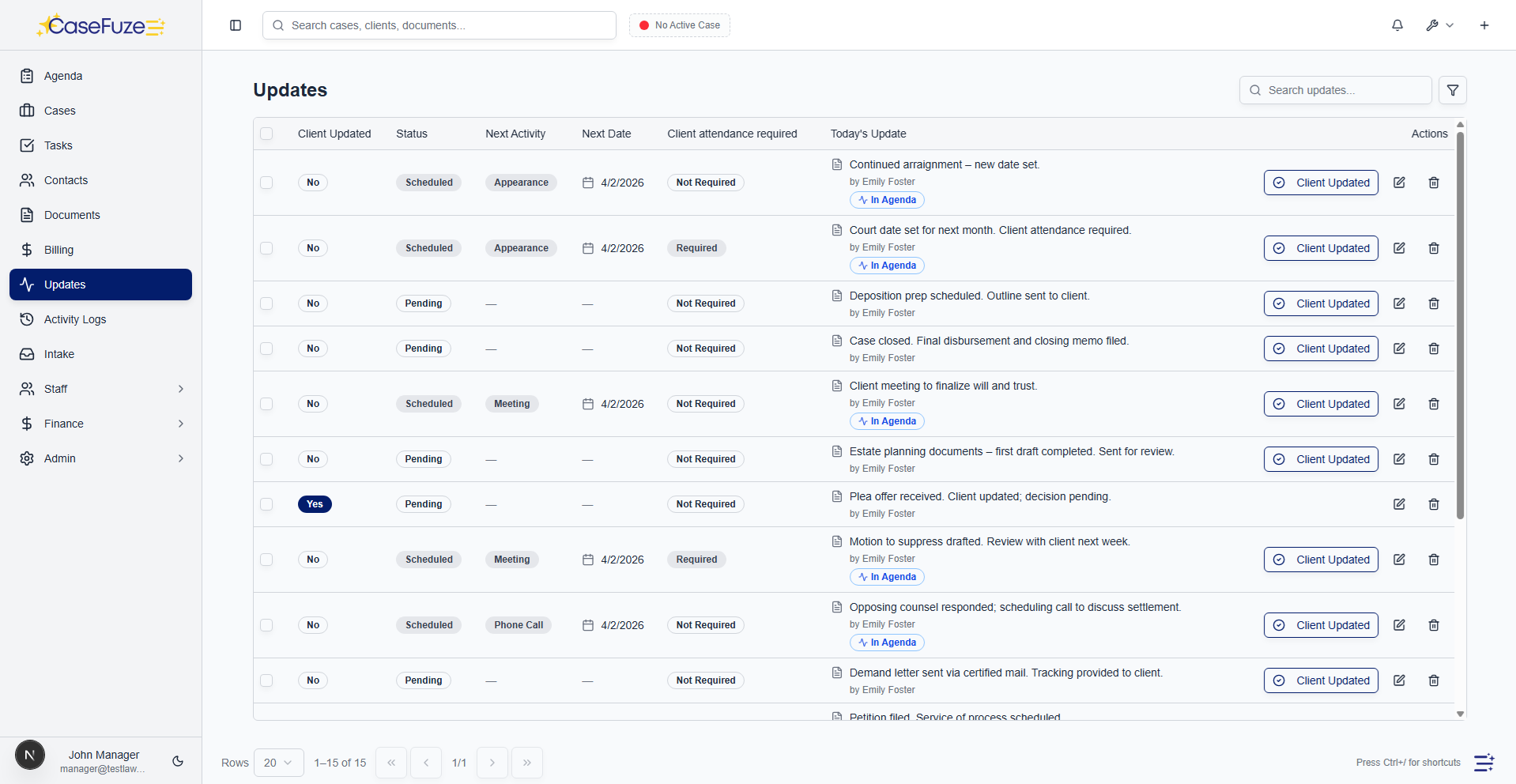
Never let a hot lead go cold. CaseFuze keeps intake staff on top of follow-ups.
- Automatic reminders Set reminders to call back prospects at specific dates and times.
- Next court date tracking For pre-charge leads, track the next court date or warrant search date.
- Follow-up tasks Create follow-up tasks for intake staff (send retainer agreement, request documents, schedule consult, etc.).
Lead analytics and reporting
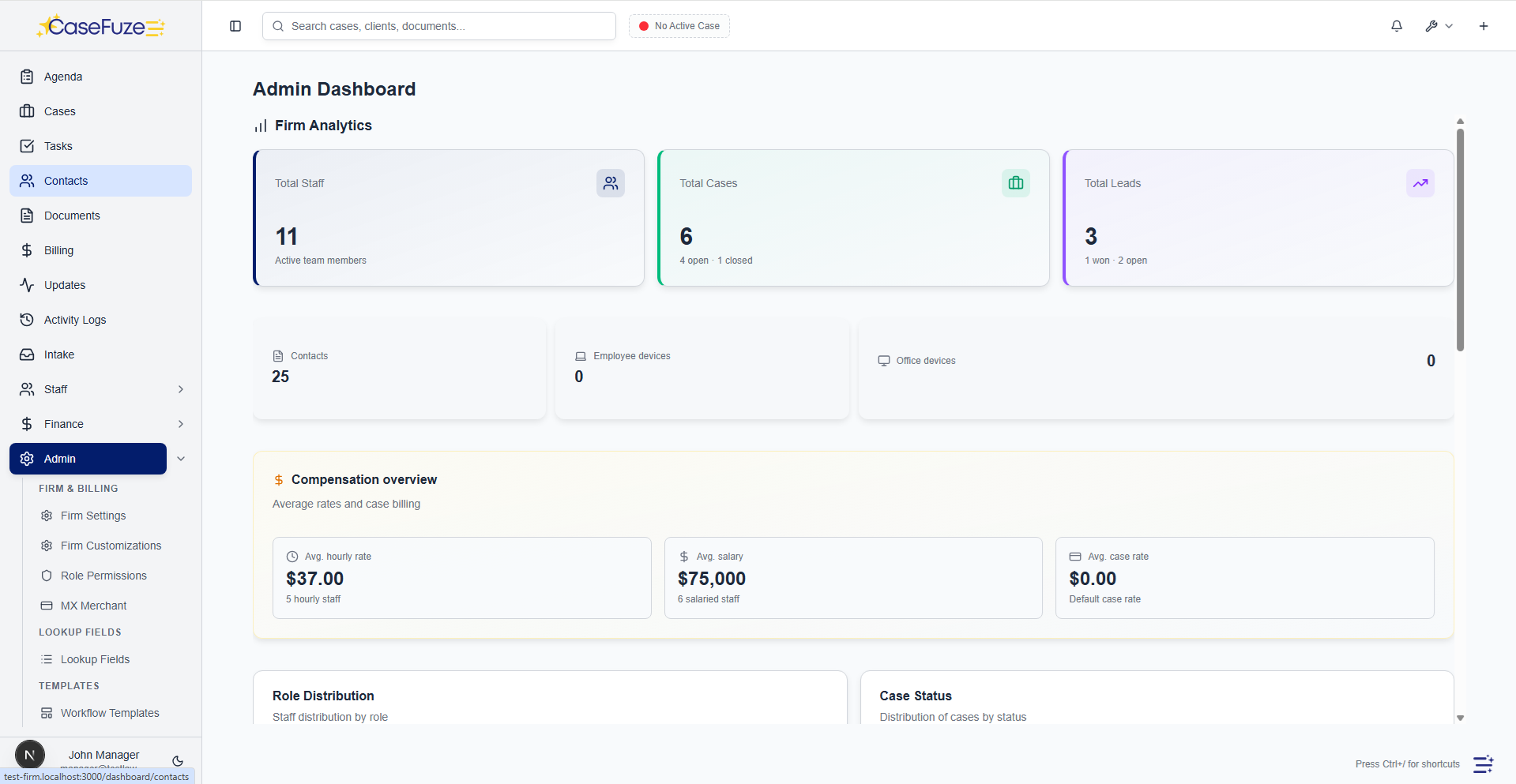
Measure what matters. Track conversion rates, lead volume, and pipeline health in real time.
- Conversion rates See overall conversion rate and conversion by lead source, staff, practice area, and stage.
- Lead volume trends Track leads created per week, month, or quarter. Spot seasonal trends.
- Pipeline value Estimate pipeline value based on average case value and historical conversion rates.