
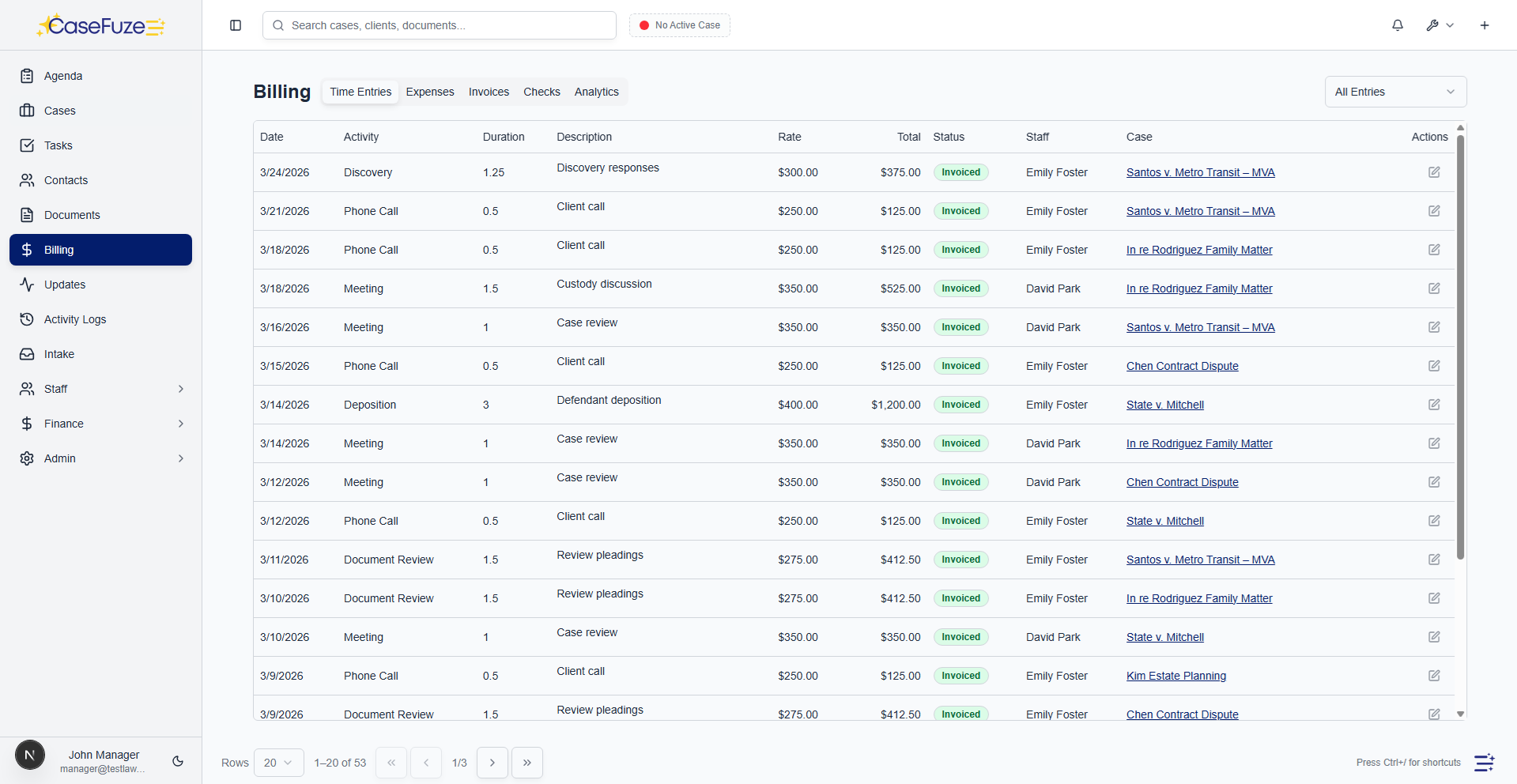
Time Tracking That Captures Every Billable Minute
You're losing money every day by not tracking time accurately. Phone calls that don't get logged. Research that gets forgotten. Quick emails that take longer than you think. CaseFuze makes time tracking so easy you'll actually do it.
Mobile Time Tracking
Legal work happens everywhere except your desk.
- CaseFuze's mobile app includes full time tracking functionality.
- Start timers from your phone, log manual entries, review your daily time, and sync everything automatically when you're back online.
- The app works offline.
Calendar Integration
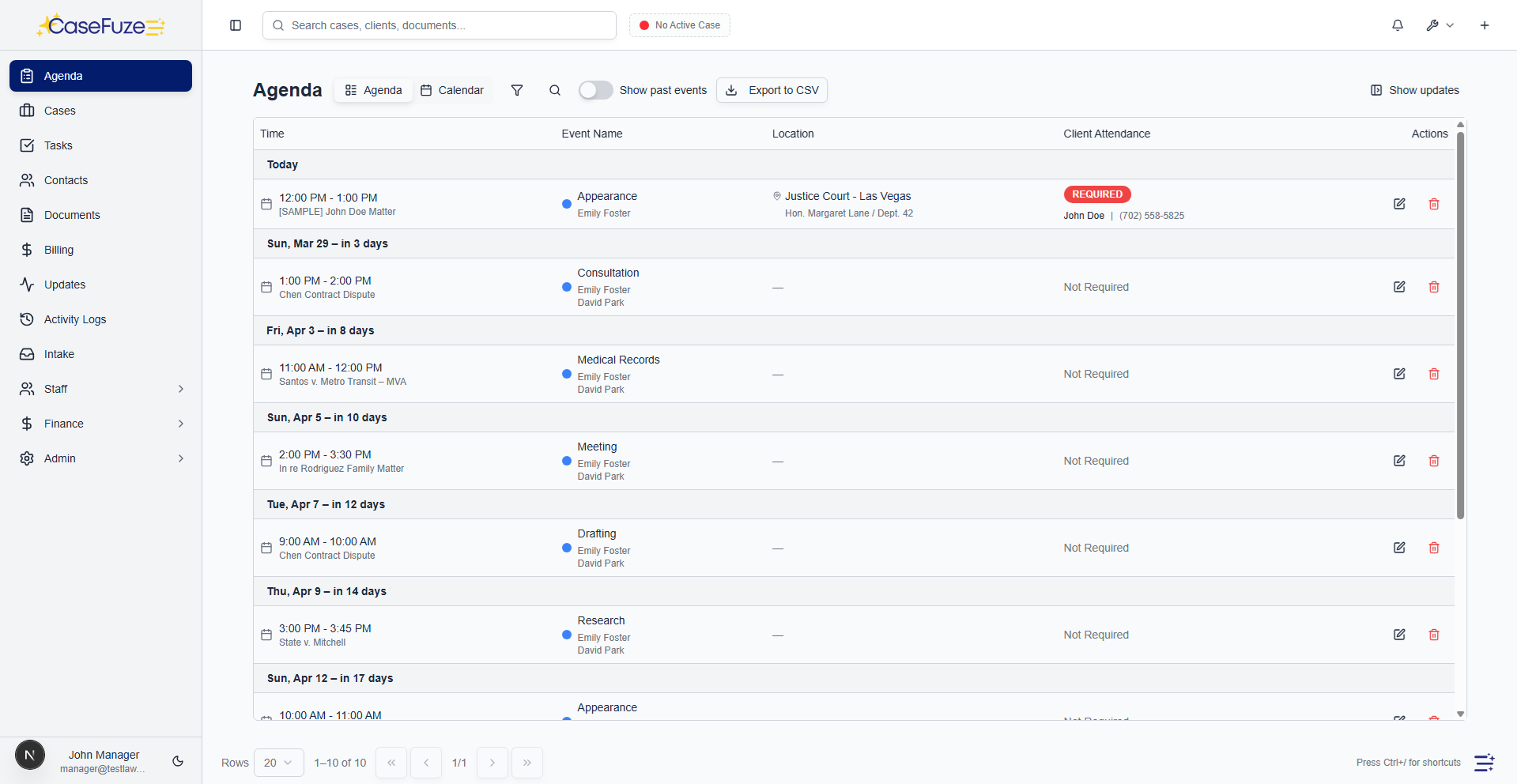
A lot of billable time comes from scheduled events.
- CaseFuze reads your calendar and suggests time entries automatically.
- After a scheduled client meeting, the system prompts you to log the time with the meeting duration and description pre-filled.
- Confirm the entry or adjust the details, and it saves.
Descriptions That Justify Bills
Clients who receive bills with vague descriptions ("legal research" or "case work") question what they're paying for.
- What you did (researched, drafted, reviewed, called)
- Why you did it (motion to compel, settlement negotiations, compliance)
- What you produced (memo, correspondence, discovery responses)
Billing Rate Management
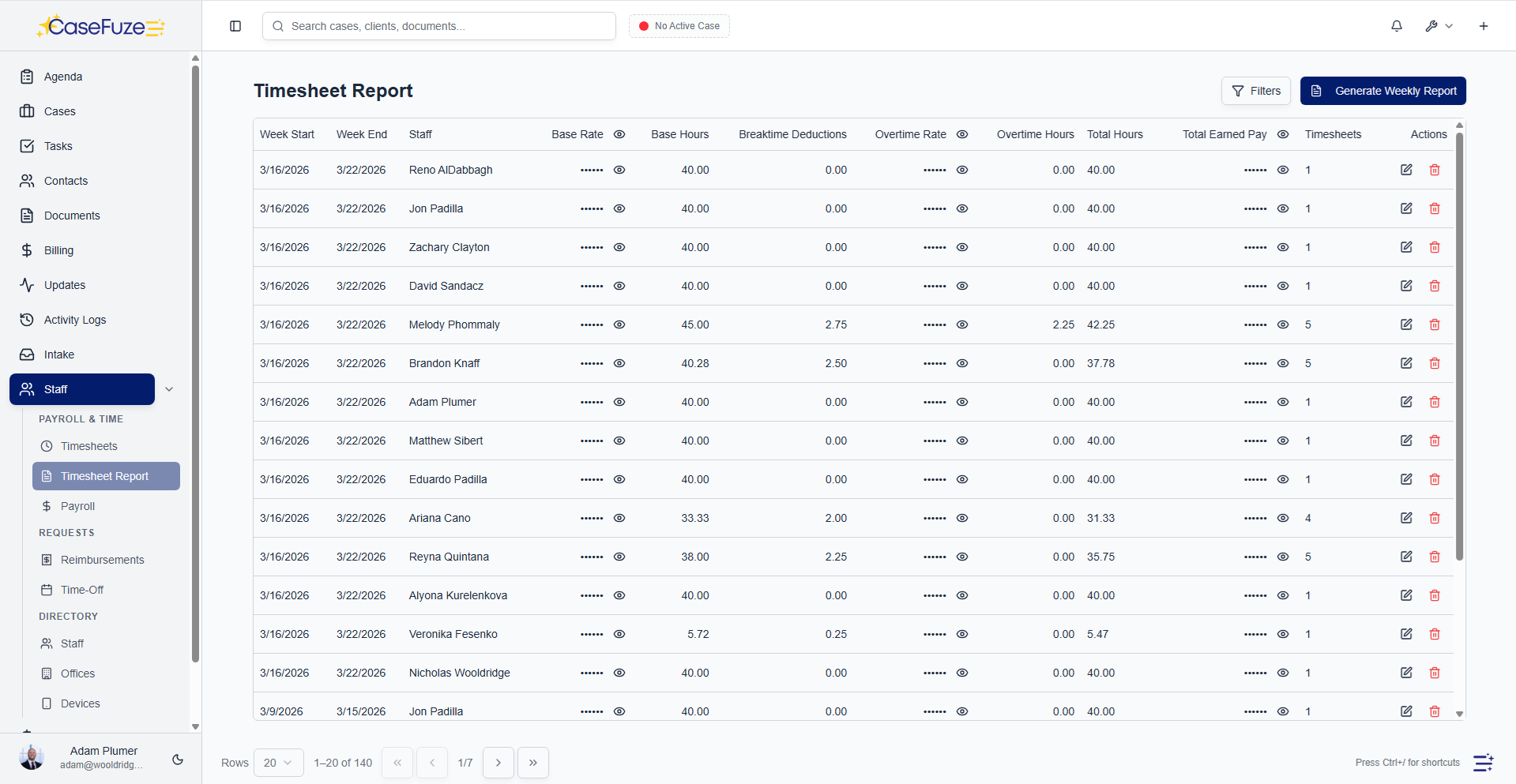
Not everyone bills at the same rate.
- Default rates by user (partner, senior associate, junior associate, paralegal)
- Activity-based rates (court appearances, depositions, travel)
- Client-specific rates (negotiated discounts or premiums)
Minimum Time Increments
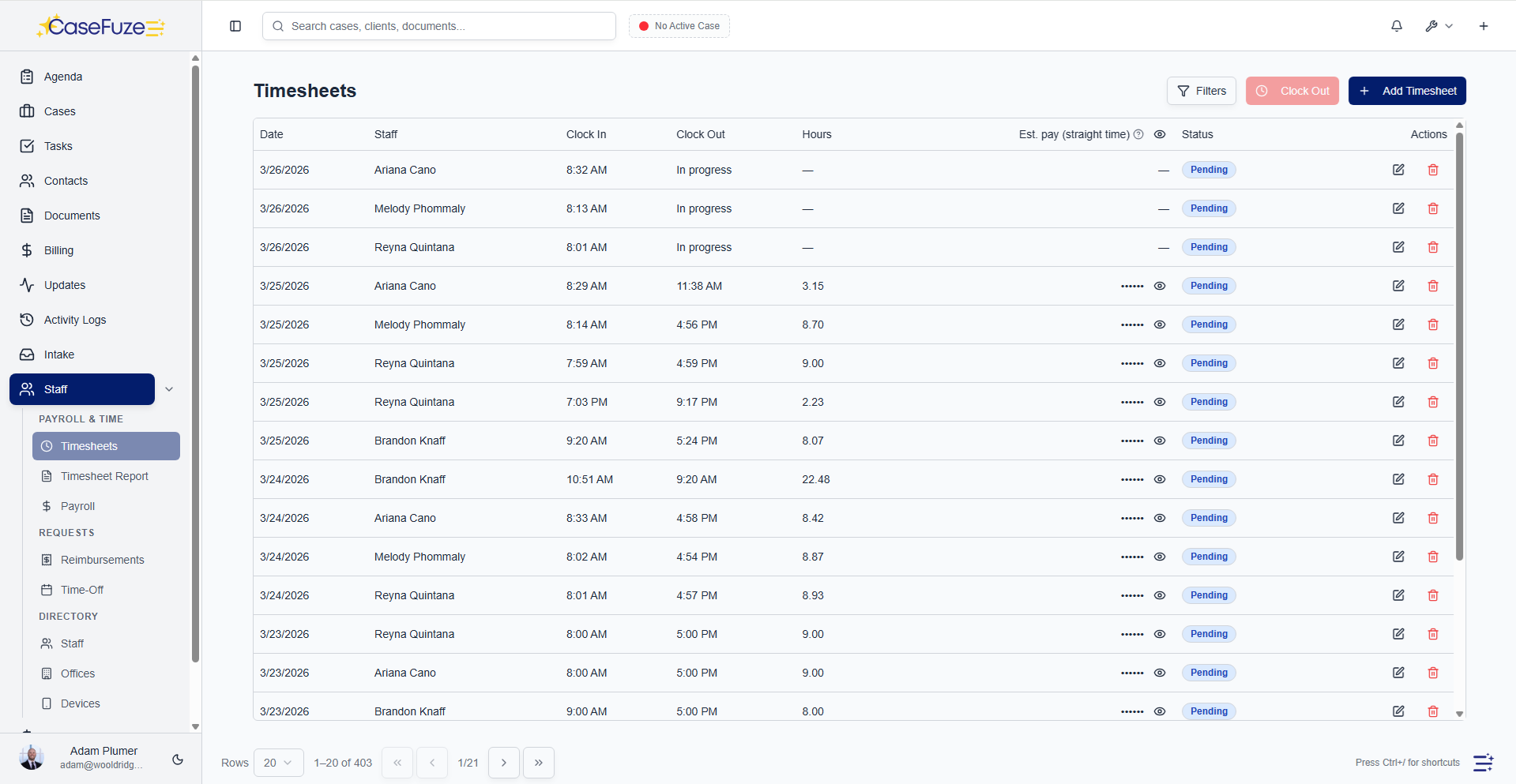
Most firms bill in minimum increments.
- CaseFuze rounds time entries automatically based on your firm's rules.
- A three-minute phone call rounds up to 0.1 hours.
- A thirteen-minute task rounds to 0.2 hours (two six-minute increments) or 0.25 hours (one fifteen- minute increment) depending on your settings.
Review and Approval Workflows
Most firms require timesheet review before invoicing.
- Approve entries as submitted
- Request more detailed descriptions
- CaseFuze includes built-in approval workflows.
Adjust amounts or rates
All changes are tracked with audit trails showing who adjusted what and why.
- This review process improves billing quality.
- Entries get scrutinized before clients see them.
- Vague descriptions get clarified.
Write-Offs and Adjustments
Not all tracked time gets billed.
- CaseFuze tracks write-offs separately from billable time.
- You can see how much time was worked, how much was billed, and the difference between them.
- This data shows you realization rates (percentage of worked time that actually gets billed).
Time Entry Budgets and Alerts
Some matters have time budgets.
- CaseFuze monitors time against budgets and alerts you when you're approaching limits.
- Set a 20-hour budget on a matter, and the system notifies you at 15 hours, giving you time to discuss scope expansion with the client before exceeding the budget.
- Budget tracking also helps with project management.
Reporting That Improves Performance
Time tracking generates valuable data about how your firm operates.
- CaseFuze's time reports answer these questions:
- Productivity reports See billable hours by attorney, paralegal, or staff member over any time period.
- Identify high performers and people who need support.
Works Everywhere You Work
Time tracking needs to be available wherever you're working.
- CaseFuze syncs across all devices.
- Start a timer on your computer, check the time on your phone, stop it from your tablet.
- Everything stays synchronized automatically.
Browser Extension
For attorneys who work primarily on computers, CaseFuze's browser extension puts time tracking everywhere.
- Click the extension icon from any browser tab to start a timer.
- The timer runs in the background while you work.
- Right-click on any email in your inbox to log time spent reading and responding.
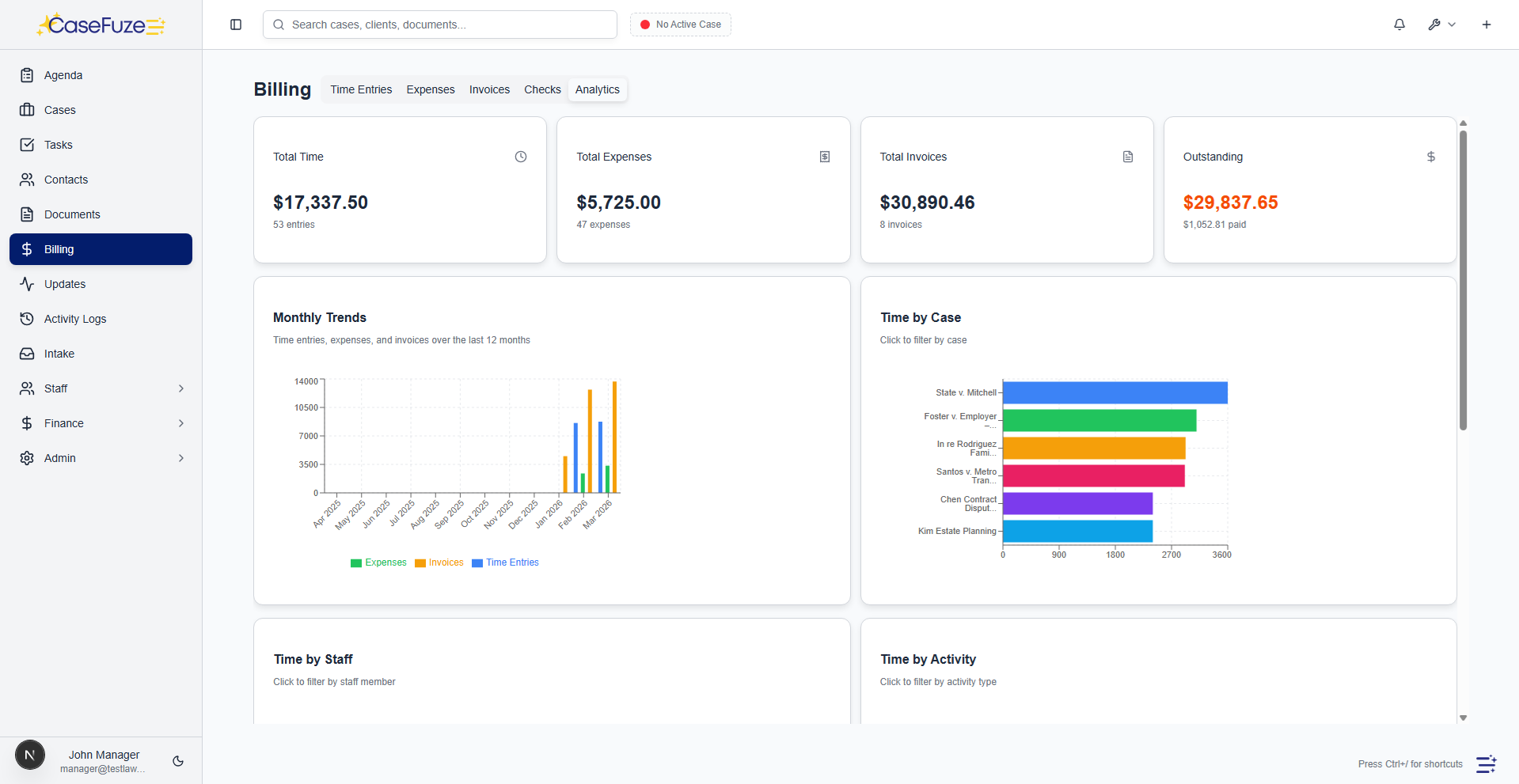
Integration With Billing
Time tracking only matters if it leads to getting paid.
- When you generate an invoice, all tracked time for that matter appears automatically.
- You review entries, make adjustments, and generate the invoice.
- Time descriptions become invoice line items.
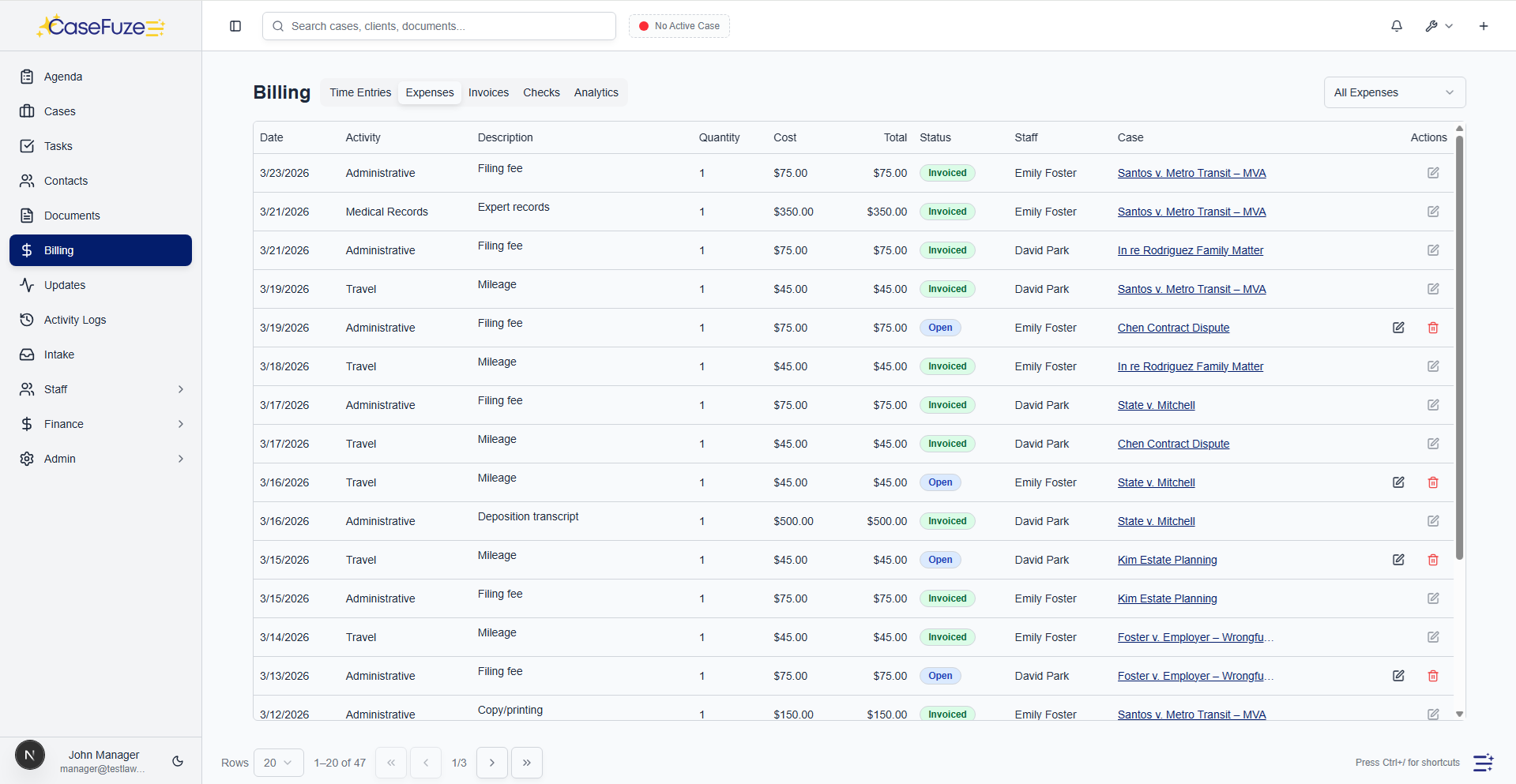
Expense tracking built in
Track case expenses and bill them back to clients. No separate expense software needed.
- Expense entry Record expenses by case with date, amount, quantity, description, and receipt upload.
- Expense activities Categorize expenses by activity (filing fee, deposition, expert witness, travel, copying, etc.).
- Receipt storage Upload receipt images or PDFs. Link receipts to expense entries for audit trails.