
Integrations That Connect Your Tech Stack

Legal work requires multiple tools. Email for communication. Calendars for scheduling. Accounting software for financials. Document storage. The question isn’t whether you’ll use multiple systems. It’s whether those systems talk to each other or force you to manually move data between them. CaseFuze integrates with the tools you already use so information flows automatically instead of requiring duplicate entry.
Email Integration

Legal communication happens through email. Client correspondence. Opposing counsel negotiations. Court filing confirmations. Expert consultations. These emails contain case information that belongs in your files, not just sitting in your inbox.

CaseFuze integrates with major email platforms to capture communication automatically:

Gmail integration reads your sent and received mail, detects case-related messages based on subject lines or contact information, and suggests associating them with appropriate cases. Confirm the suggestion and the email saves to your case file with full headers and attachments.

Outlook integration works similarly for Microsoft 365 and Exchange users. Emails about cases can be forwarded to case-specific addresses, automatically filed based on sender, or manually associated through add- in buttons directly in Outlook.

IMAP support for other email providers allows similar functionality through standard email protocols.

These integrations create complete communication records. Six months after an email conversation, you can pull it up from the case file instead of digging through thousands of messages in your email archive.

Calendar Sync

Your case management software should reflect your schedule, and your schedule should reflect case deadlines. Maintaining two separate calendars creates confusion and missed appointments.

CaseFuze syncs bidirectionally with calendar platforms:

  • Google Calendar sync shows case deadlines, court dates, and client meetings in your Google Calendar
  • automatically
  • Outlook Calendar sync does the same for Microsoft users
  • Apple Calendar sync for iPhone and Mac users


Changes in either direction update both systems. Schedule a client meeting in your calendar and it appears in the case file. Update a court date in CaseFuze and your calendar adjusts. Mark a task complete and it clears from your calendar.

This two-way synchronization ensures you’re never maintaining duplicate schedules or wondering which calendar has the correct information.

How CaseFuze Simplifies Integrations That Connect Your Tech Stack

Integrations That Connect Your Tech Stack

Legal work requires multiple tools. Email for communication. Calendars for scheduling. Accounting software for financials. Document storage. The question isn't whether you'll use multiple systems. It's whether those systems talk to each other or force you to manually move data between them. CaseFuze integrates with the tools you already use so information flows automatically instead of requiring duplicate entry.

Accounting Software

Accounting Software

Most firms use QuickBooks, Xero, or similar platforms for firm-wide accounting, tax preparation, and financial management.

  • CaseFuze exports financial data in formats accounting platforms accept:
  • QuickBooks integration syncs client payments, trust transactions, operating account deposits, and expense records.
  • Your QuickBooks chart of accounts stays current without manual entry of every transaction.
Accounting Software

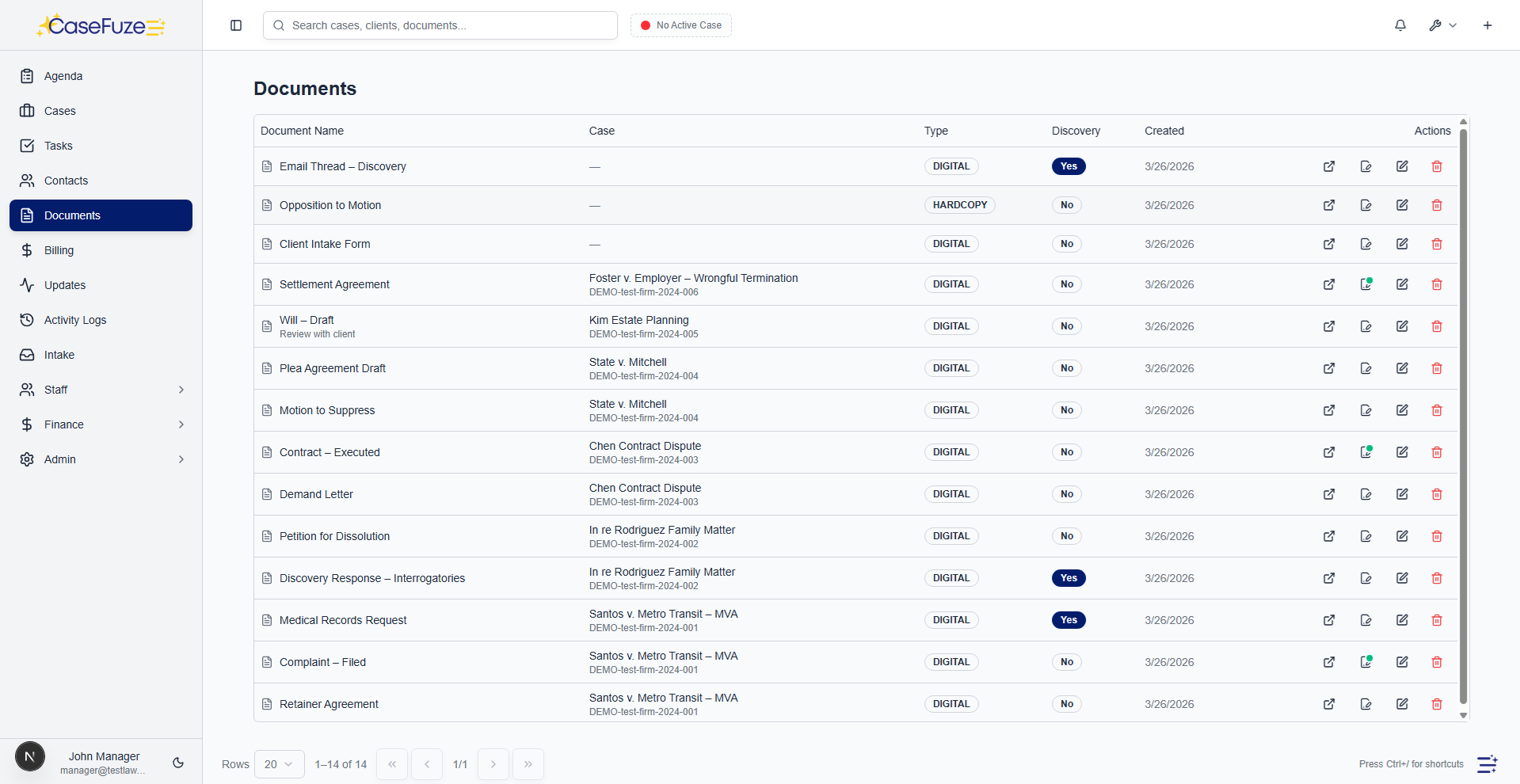
Most firms use QuickBooks, Xero, or similar platforms for firm-wide accounting, tax preparation, and financial management. Your case management billing needs to feed into these systems for accurate financial reporting.

CaseFuze exports financial data in formats accounting platforms accept:

QuickBooks integration syncs client payments, trust transactions, operating account deposits, and expense records. Your QuickBooks chart of accounts stays current without manual entry of every transaction.

Xero integration provides similar synchronization for firms using Xero as their accounting platform.

CSV exports for other accounting systems let you export financial transactions in standard formats that import into virtually any accounting software.

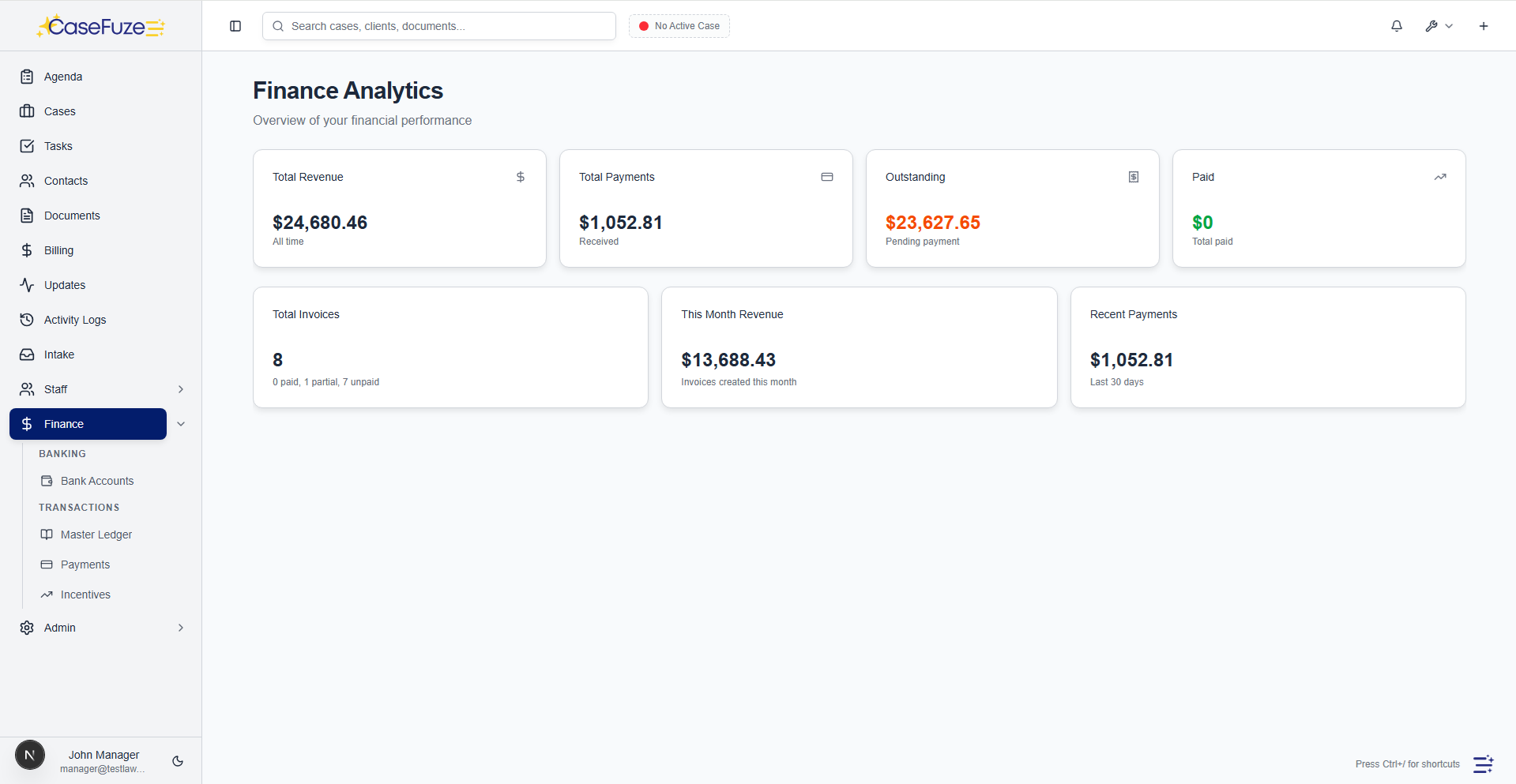
This integration eliminates double-entry accounting. Record financial activity once in CaseFuze and it flows to your accounting system automatically. Your CPA has accurate books without your team spending hours entering data.

Document Storage

Some firms store documents in Google Drive, Dropbox, or OneDrive rather than keeping everything in case management software. CaseFuze accommodates this preference through document storage integrations.

Google Drive integration lets you save case documents to Drive folders automatically organized by client and matter. Documents uploaded to CaseFuze can sync to Drive. Documents added to specific Drive folders can appear in CaseFuze.
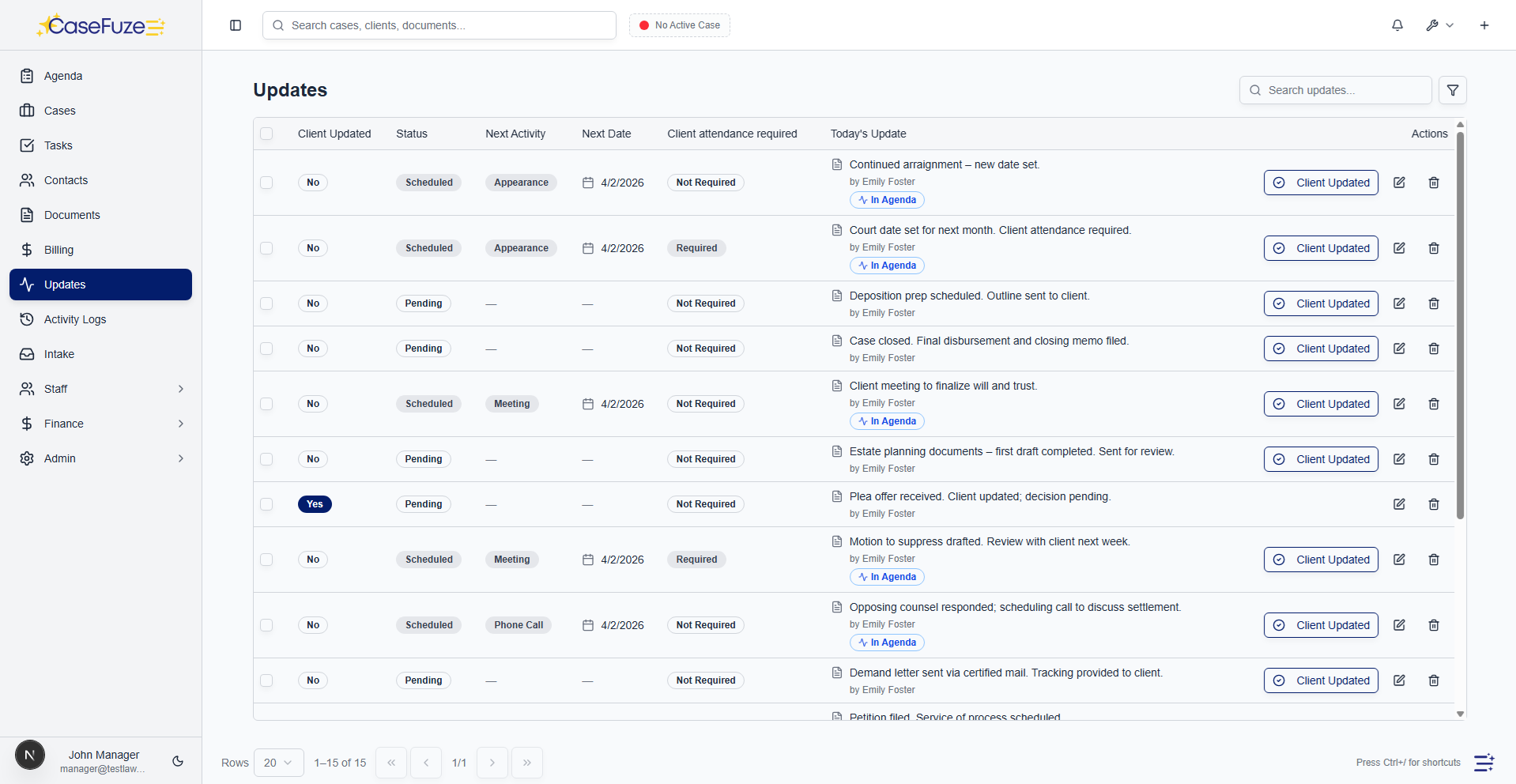
Microsoft OneDrive integration works similarly for firms in the Microsoft ecosystem.

Dropbox integration provides the same bidirectional sync for Dropbox users.

These integrations give you flexibility. Use CaseFuze’s built-in document management, use your preferred cloud storage, or use both with automatic synchronization keeping everything aligned.

Communication Tools

Beyond email, firms use various communication platforms. Slack for team messaging. Microsoft Teams for collaboration. Zoom for video conferences.

CaseFuze connects with these tools to streamline communication:

Slack integration posts notifications about case events to relevant Slack channels. New case opened, document filed, deadline approaching, payment received – these events can trigger Slack messages keeping your team informed in their preferred communication platform.
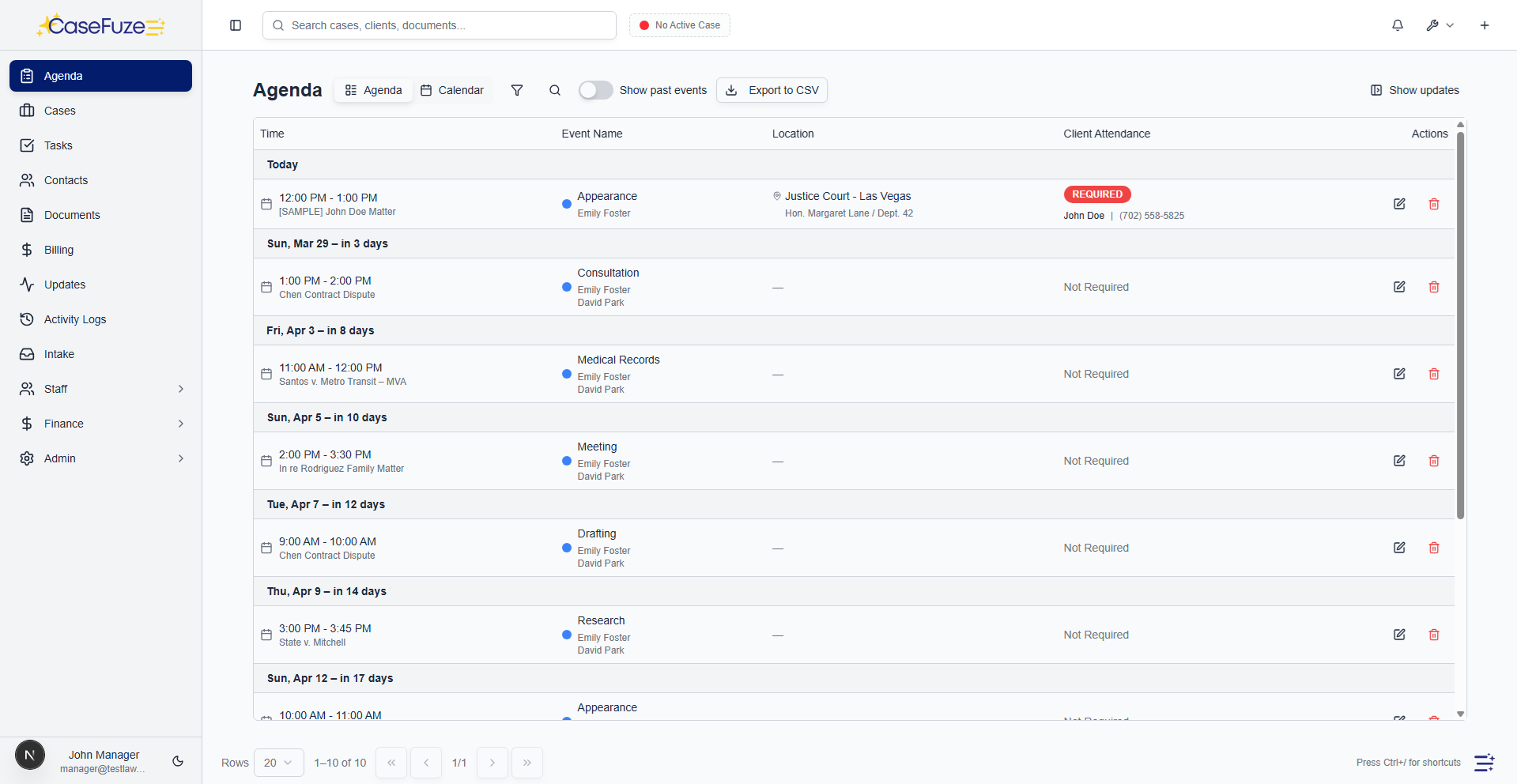
Microsoft Teams integration provides similar notifications and can include case links allowing team members to jump directly to case details from Teams messages.

Zoom integration (planned) will let you schedule video conferences directly from case records and automatically log meeting notes back to case files.

Court Filing Systems

Many jurisdictions use electronic filing systems. CaseFuze integrates with major e-filing platforms to streamline the filing process.

Upload your document to CaseFuze, click “E-File,” select the court and case information, and the document routes to the appropriate filing system. Filing confirmations return automatically and attach to your case file.

This integration reduces the friction of working in multiple systems. You prepare documents in your case management software, file them electronically without leaving the platform, and receive confirmations automatically.
Support varies by jurisdiction as court systems use different e-filing platforms. Major state and federal systems receive priority for integration development.

Practice Management Tools

Some specialized tools serve specific practice areas. Medical record retrieval services for personal injury. Immigration form preparation software. Title search services for real estate.

CaseFuze’s API allows integration with specialized tools your practice relies on:

Medical record retrieval services can push received records directly into case files automatically instead of requiring manual upload.

Immigration software can share data with CaseFuze to avoid duplicate entry of client information and case details.
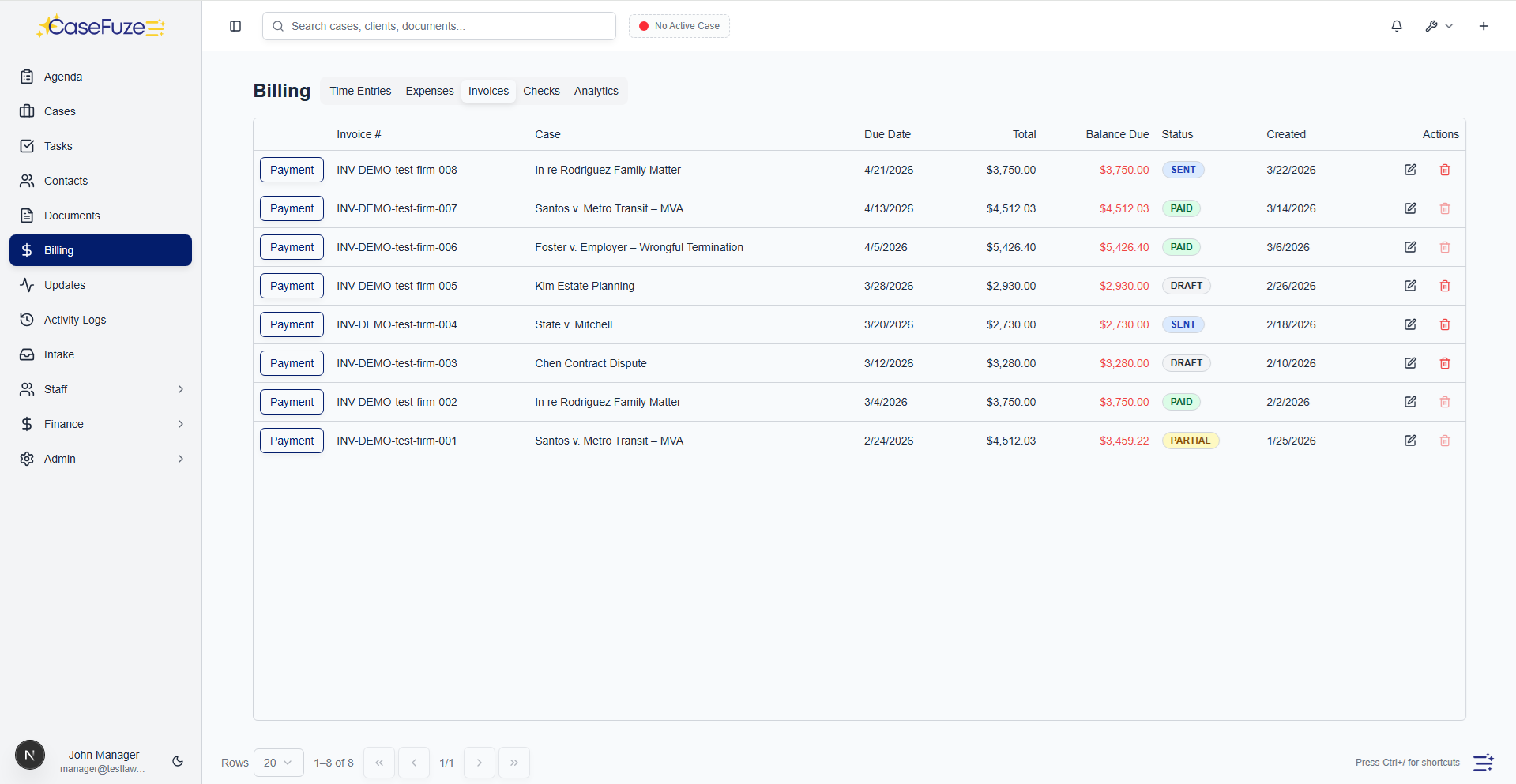
Background check services can return results directly to case files.

These integrations depend on the specific tools you use. CaseFuze’s open API makes integration possible with virtually any platform that supports modern integration standards.

Payment Processors

While CaseFuze includes integrated payment processing with lower fees, some firms have existing relationships with processors they prefer to maintain.

CaseFuze can integrate with external payment processors:

  • LawPay integration for firms using that platform
  • Stripe integration for general payment processing
  • PayPal integration for firms accepting PayPal payments

These integrations sync payment records back to CaseFuze automatically. A payment processes through your external provider and the transaction records in CaseFuze without manual entry.

However, using CaseFuze’s built-in payment processing offers substantial fee savings and tighter integration with billing and trust accounting. External processors make sense mainly for firms with non-negotiable existing contracts.

Marketing and CRM Tools

Firms using dedicated marketing platforms or CRM systems can integrate them with CaseFuze to share lead and client data.

Mailchimp integration syncs contact lists so your email marketing campaigns target the right audiences based on CaseFuze client data.

Marketing automation platforms can receive lead information from CaseFuze and run nurture campaigns, then pass converted leads back when they’re ready to become clients.

Google Analytics integration tracks website form submissions that become CaseFuze leads, helping you measure marketing effectiveness.
These marketing integrations close the loop from marketing spend through lead generation to client conversion, giving you complete visibility into marketing ROI.

Time Tracking Tools

Some attorneys prefer specialized time tracking apps. Toggle, Harvest, or similar tools might integrate with CaseFuze to sync tracked time automatically.

Time tracked in external tools flows into CaseFuze for billing. You use your preferred tracking interface while maintaining centralized billing in one platform.

This integration mainly benefits firms transitioning to CaseFuze who have established time tracking workflows they want to preserve temporarily. Most firms eventually adopt CaseFuze’s built-in time tracking and eliminate the external tool.

Telephony Integration

Law firms handle substantial phone volume. Tracking calls, logging communications, and recording

conversations for case files requires integration between phone systems and case management.

VoIP platform integration (planned) will connect phone systems with CaseFuze to automatically log calls to case files based on caller ID, create communication records, and enable click-to-call functionality from case contacts.

Call recording integration (planned) will store recorded calls directly in case files for future reference, compliance, or training purposes.
These telephony features are under development. For now, call logging happens manually through CaseFuze’s communication tracking features.

API Access for Custom Integrations

Pre-built integrations cover common tools, but every firm has unique needs. CaseFuze provides API access for custom integrations with tools specific to your practice.

The API allows authorized developers to:

  • Read case and client data for integration with other systems
  • Create and update cases, tasks, documents, and other records
  • Trigger workflows and automations
  • Extract reporting data for custom analytics
  • Build custom interfaces for specialized workflows


This API access enables integration with proprietary tools, legacy systems, or specialized software that wouldn’t justify a standard integration but matters to your specific practice.

API documentation includes code examples, authentication instructions, and endpoint references. Developers familiar with REST APIs can build integrations without extensive CaseFuze-specific knowledge.

Zapier Integration

For firms wanting integration capabilities without custom development, Zapier provides no-code integration between CaseFuze and thousands of other applications.

Connect CaseFuze to Zapier and build workflows (“Zaps”) that move data between systems automatically:

  • New leads from website forms create CaseFuze intake records
  • CaseFuze payment confirmations trigger thank-you emails through MailChimp
  • Document uploads to CaseFuze save copies to Dropbox automatically
  • New clients in CaseFuze add to accounting software contact lists


Zapier handles the technical integration while you define the workflow logic through simple web interfaces. No coding required.

This approach works well for simple integrations that don’t justify custom development but provide meaningful efficiency gains.

Data Import and Migration

Integrations aren’t just about ongoing synchronization. They’re also about getting data into from previous systems during implementation.

provides import tools for migrating from other case management platforms:

  • Client and contact data import from CSV files or database exports
  • Matter and case information with custom field mapping
  • Document uploads preserving folder structures and metadata
  • Time entry imports for historical billing records
  • Financial data including invoices, payments, and trust balances


Migration support includes six months of assistance from CaseFuze’s implementation team. They help map data from your old system to CaseFuze’s structure, troubleshoot import issues, and verify data accuracy after migration.

Security Considerations

Integrations involve data flowing between systems. This movement creates security considerations around access control, encryption, and compliance.

CaseFuze’s integrations use secure protocols:

  • OAuth authentication for third-party platform connections instead of storing passwords
  • Encrypted data transmission for all integration communication
  • Granular permission controls determining what data can be accessed
  • Audit logging of all integration activity
  • Revocable access tokens that can be disabled if security concerns arise


These security measures protect client confidentiality while allowing the operational benefits of integration.

Managing Integrations

Integrations shouldn’t require IT staff to configure and maintain. CaseFuze’s integration management is designed for non-technical users.

Enable integrations through simple web interfaces. Click to connect your Google account. Authorize access to your calendar. Select which folders should sync. Integrations activate within minutes.

Disable integrations just as easily if you stop using a tool or want to change integration settings. No complicated configuration files or API key management required for standard integrations.

For custom API integrations, your developer handles the technical implementation while you control access permissions and usage limits through administrative interfaces.

Future Integration Roadmap

CaseFuze continuously adds new integrations based on customer requests. Current development priorities include:

  • Additional court e-filing system support
  • Expanded accounting platform integrations
  • Document automation tools
  • Legal research platforms
  • Practice-specific tools for major practice areas


Request integrations through the feature request system. Popular requests receive priority for development. The goal is comprehensive integration coverage so CaseFuze works seamlessly with whatever tools your practice requires.

Pricing Integrations are included in CaseFuze’s standard $49 per user, per month pricing. Connect as many tools as you need. No per-integration fees. No limits on data synchronization.

Most firms save hours weekly by eliminating duplicate data entry between systems. When information flows automatically instead of requiring manual transfer, efficiency gains compound across your entire team.

Simple & Transparent Pricing

CaseFuze keeps pricing straightforward'$49 per user, per month with every feature included. No tiers, no hidden add-ons, and no confusing upgrade paths. From legal case management software essentials like matters, billing, and trust accounting to advanced tools for HR, reporting, and automation, you get it all in one plan. As your firm grows, simply add users and scale without worrying about extra costs.

All in One

$49/ User / Month

Flat-rate pricing that covers your entire firm. No tiers. No hidden costs. No add-ons.

Includes:

Why CaseFuze Pricing Works for Every Firm

CaseFuze is designed to remove complexity not only from practice management but also from how you pay for it. With one flat rate of $49 per user, per month, you get unlimited access to the complete platform, matters, billing, IOLTA trust accounting, HR operations, documents, and mobile apps, all included from day one. There are no confusing tiers, hidden add-ons, or upgrade traps. This keeps costs predictable and allows your team to focus on serving clients instead of managing multiple subscriptions.

Our pricing model also scales naturally as your firm grows. Whether you're a solo attorney adding your first assistant or a small team expanding into multiple practice areas, every new user joins the same flat-rate plan with full access to all features. That means you don't lose functionality as you grow, and you never have to pay extra just to unlock core tools. CaseFuze makes it easy to budget with confidence, knowing that everything you need is already included.

All-in-One Access

One plan includes case management, billing, documents, trust accounting, and HR tools.

Scales With Your Firm

Add new users seamlessly while keeping the same predictable plan.

No Hidden Costs

Transparent pricing ensures your software budget is stable and reliable.