

Staff Management

CaseFuze helps you manage your entire team in one platform. Track staff details, manage offices, handle time-off and reimbursement requests, assign devices, and control permissions'all integrated with your case management and payroll.
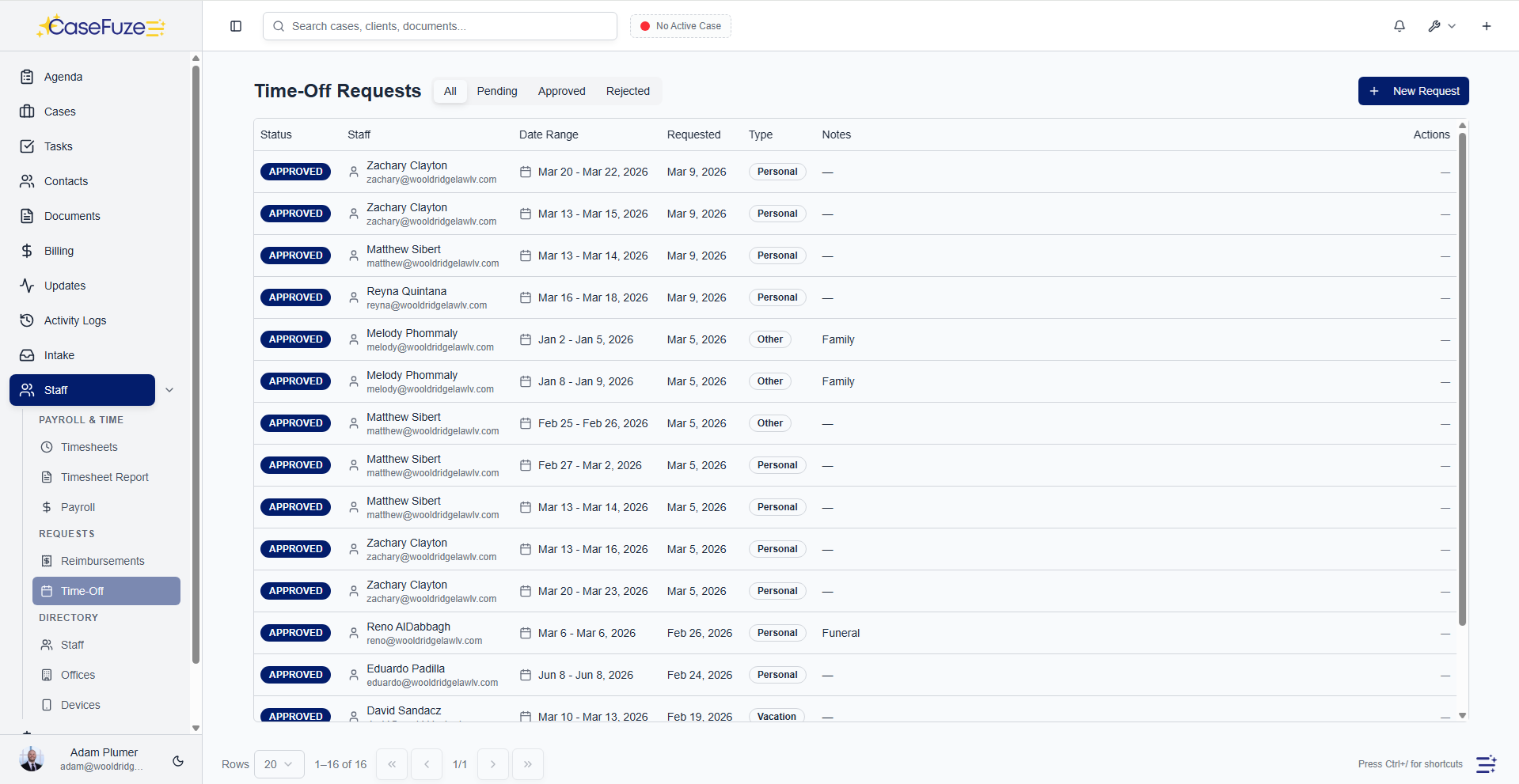
Centralized staff directory

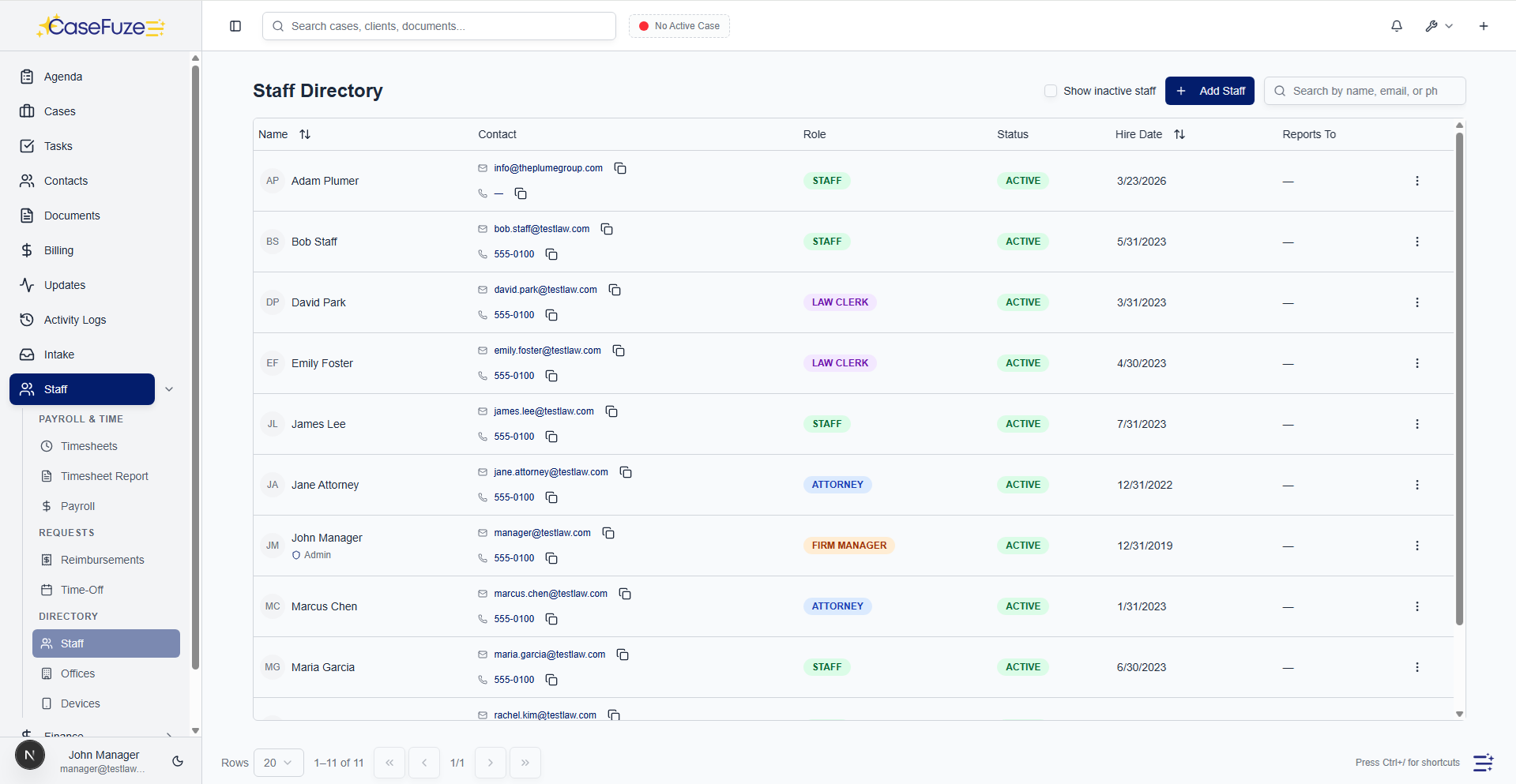
See your entire team in one place. Access contact information, employment details, and reporting structure instantly.

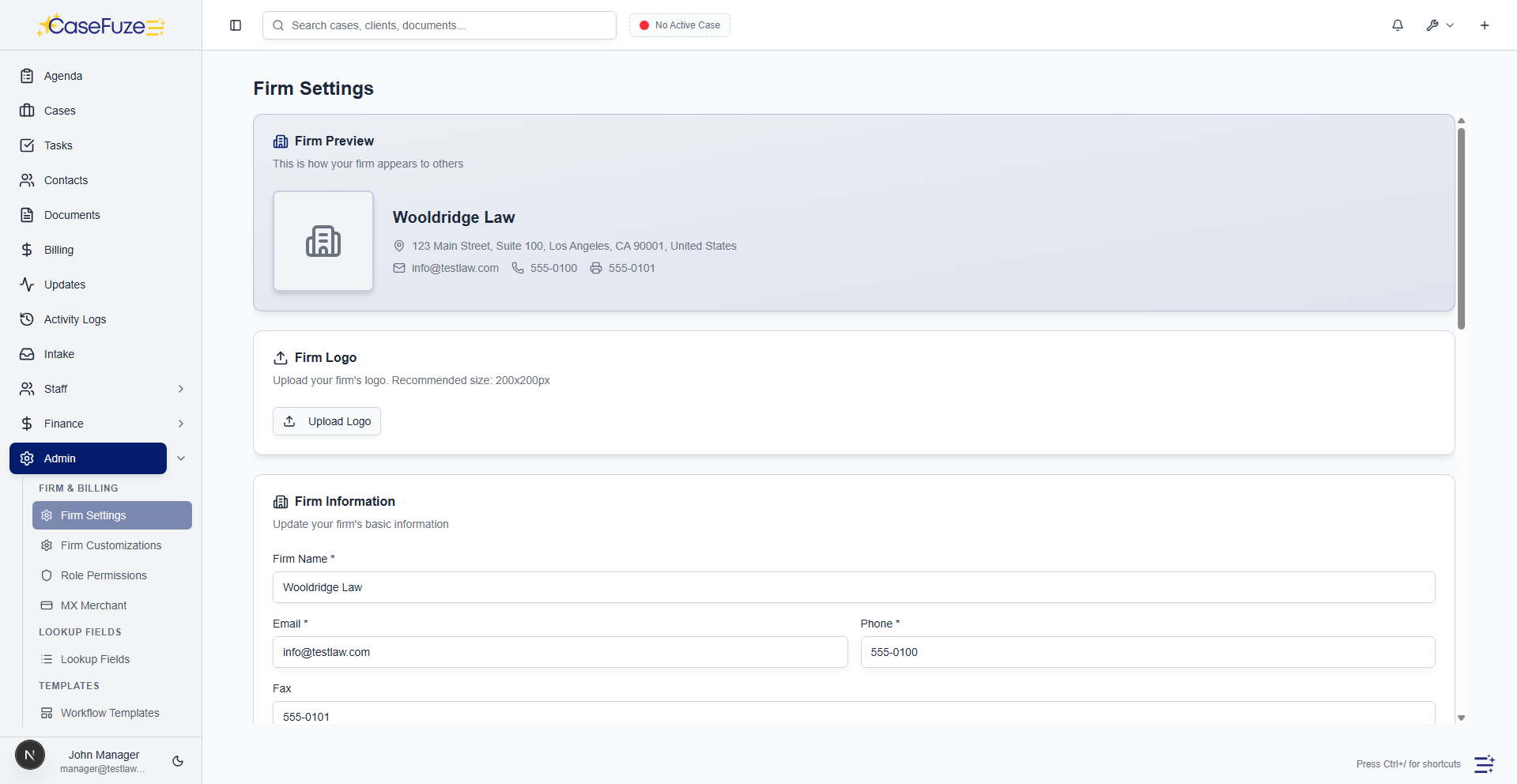
  • Complete staff profiles: Name, photo, contact information (personal and work email/phone), address, date of birth, gender, race.
  • Employment details: Hire date, leave date (if applicable), employment status (active/inactive), staff group (attorney, law clerk, staff, firm manager).
  • Reporting structure: Assign reporting managers to each staff member. See org charts and reporting hierarchies.
  • Office assignment: Assign staff to offices for location-based reporting and permissions.
  • Role and permissions: Assign staff groups and configure role-based permissions per staff member.
  • Emergency contacts: Store emergency contact name, phone, and email for every staff member.
  • Documents: Upload and store staff documents (resume, offer letter, performance reviews, certifications).
  • Quick search: Search staff by name, email, office, or staff group.

Office and location management

Manage multiple offices and track staff by location. Support remote, hybrid, and multi-office teams.

  • Multiple offices: Create unlimited offices with names, addresses, phone numbers, and contact details.
  • Office assignment: Assign staff to primary offices. See staff roster by office.
  • Office-based reporting: Filter cases, leads, and financial reports by office.
  • Remote staff: Mark staff as remote or assign to “Remote” office.
  • Office devices: Track office-level devices (printers, scanners, conference room equipment) by office location.
How CaseFuze Simplifies Staff Management

Staff Management

CaseFuze helps you manage your entire team in one platform. Track staff details, manage offices, handle time-off and reimbursement requests, assign devices, and control permissions'all integrated with your case management and payroll.

Time-off request and approval

Time-off request and approval

Handle vacation, sick leave, and PTO requests in-app. Managers approve or reject from their dashboard.

  • Time-off requests Staff submit time-off requests with start date, end date, and reason (vacation, sick, personal, etc.).
  • Manager approval Requests route to reporting managers for approval.
  • Approval workflow Managers review requests and approve or reject with one click.
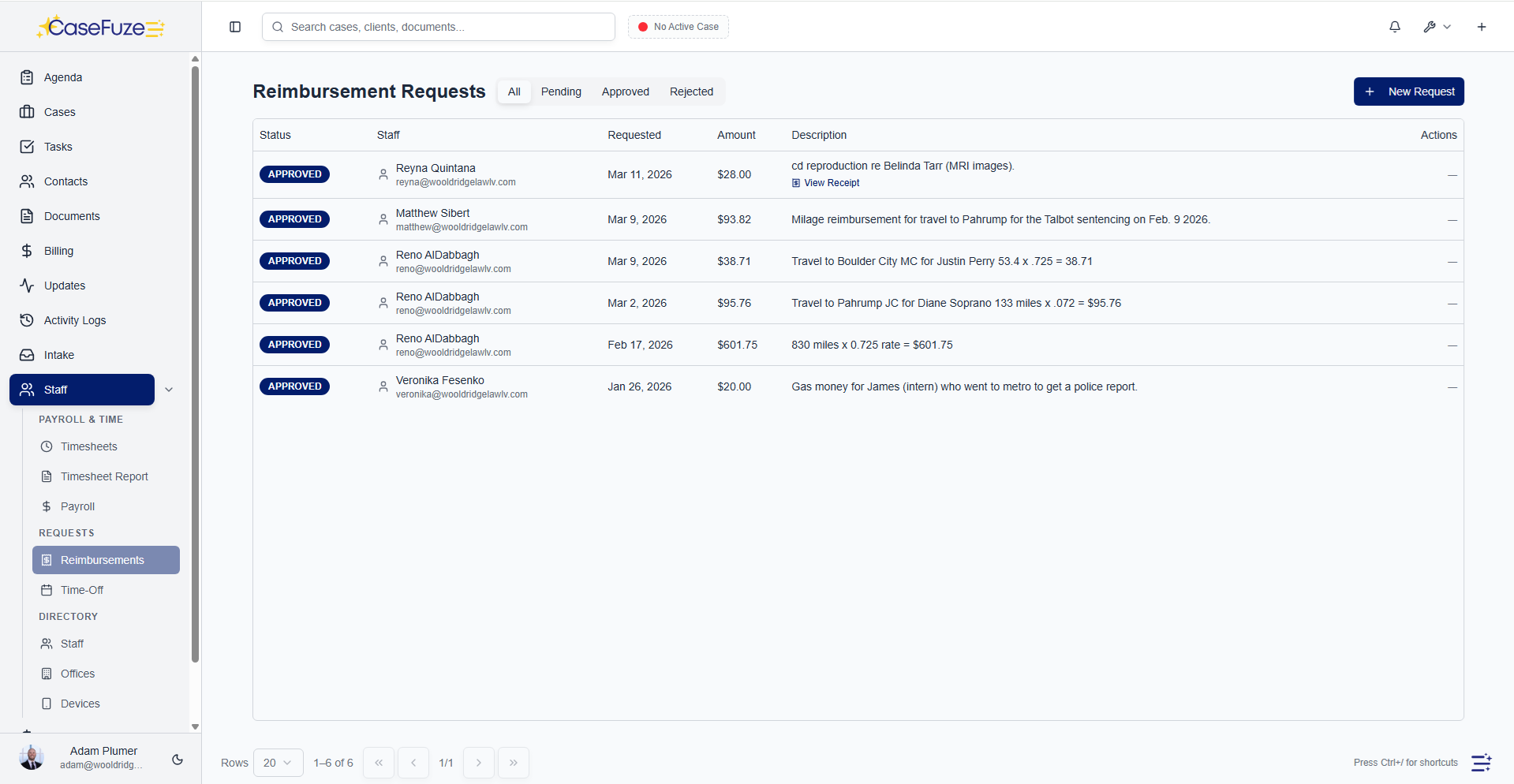
Time-off request and approval

Handle vacation, sick leave, and PTO requests in-app. Managers approve or reject from their dashboard.

  • Time-off requests: Staff submit time-off requests with start date, end date, and reason (vacation, sick, personal, etc.).
  • Manager approval: Requests route to reporting managers for approval.
  • Approval workflow: Managers review requests and approve or reject with one click.
  • Rejection reasons: Capture rejection reasons when requests are denied (e.g., “Scheduling conflict”).
  • Calendar integration: Approved time-off appears on the firm calendar so everyone knows who’s out.
  • Time-off balance tracking: Track PTO balances per staff member (optional).
  • Time-off history: See full history of time-off requests, approvals, and rejections.
  • Firm-wide visibility: Managers see who’s out when to avoid scheduling conflicts.

Reimbursement request and approval

Staff submit expense reimbursements with receipts. Approvers review and approve in minutes.

  • Reimbursement requests: Staff submit reimbursement requests with amount, description, date, and receipt upload.
  • Receipt upload: Upload receipt images or PDFs directly to the request.
  • Manager approval: Requests route to approvers (reporting manager or firm manager) for review.
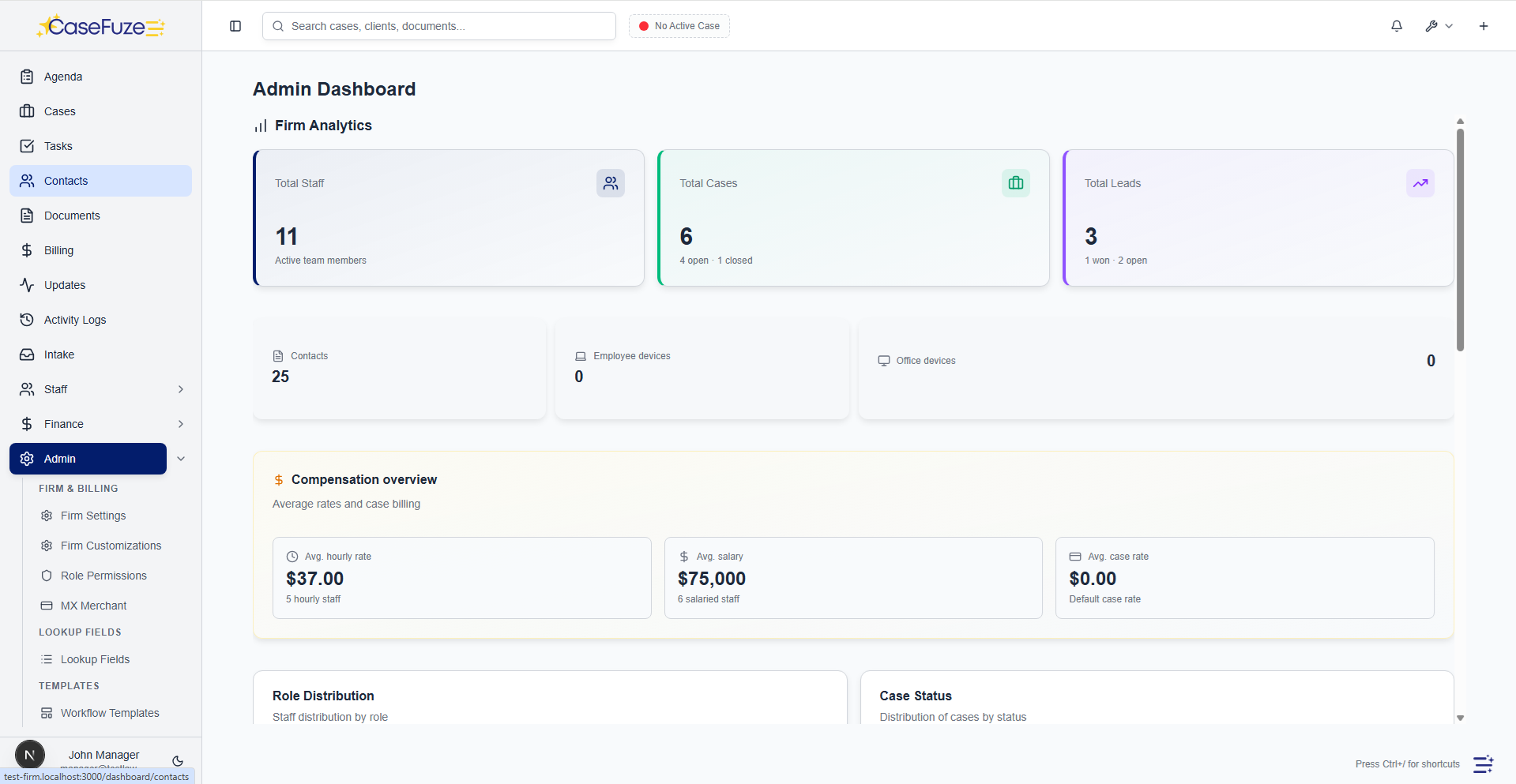
  • Approval workflow: Approvers review receipts and descriptions and approve or reject.
  • Rejection reasons: Capture rejection reasons when reimbursements are denied (e.g., “Expense not pre-approved”).
  • Approval history: Full audit trail of who requested, who approved, when, and why.
  • Reimbursement tracking: Track approved reimbursements for payroll processing or check issuance.
  • Reimbursement reports: Generate reports of all reimbursements by staff, date range, or approval status.

Device tracking and accountability

Track which staff and offices have which devices. Ensure devices are returned when staff leave.

  • Employee devices: Track laptops, phones, tablets, and other devices assigned to individual staff members.
  • Office devices: Track printers, scanners, monitors, and other devices assigned to office locations.
  • Device details: Record device type, make, model, serial number, purchase date, and value.
  • Assignment tracking: See which staff member or office is assigned to each device.
  • Assignment history: Track device assignment history (who had it, when it was assigned, when it was returned).
  • Device status: Mark devices as assigned, available, broken, or retired.
  • Return reminders: Flag devices that need to be returned when staff leave.

Role-based permissions and access control

Control who can see and do what. Assign permissions by staff group (attorney, law clerk, staff, firm manager).

  • Staff groups: Four built-in staff groups: Attorney, Law Clerk, Staff, Firm Manager.
  • Permission by resource: Configure permissions for each resource (cases, leads, billing, payroll, staff, etc.).
  • Permission by action: Control view, edit, and delete permissions per resource.
  • Role-based defaults: Pre-configured permission sets for each staff group. Customize as needed.
  • Per-user overrides: Override permissions for individual users when needed.
  • Landing page configuration: Set default landing pages per staff group so users see the most relevant dashboard.
  • Application admin: Designate application admins who can manage firm settings, roles, and permissions.

Staff analytics and performance tracking

Track staff performance with built-in analytics. See billable hours, cases worked, leads converted, and revenue generated.

  • Billable hours by staff: See total billable hours per staff member by week, month, or quarter.
  • Cases by staff: Track how many cases each attorney or staff member is working.
  • Leads converted by staff: See which intake staff convert the most leads to retained cases.
  • Revenue by staff: Track revenue generated by each attorney based on invoiced and collected amounts.
  • Performance incentives: See intake, override, and referral incentives earned by staff member.
  • Staff leaderboards: Rank staff by billable hours, cases won, or revenue generated (optional).

Staff onboarding and offboarding

Make hiring and exits seamless with built-in onboarding and offboarding workflows.

  • New hire setup: Add new staff, assign offices, set permissions, and assign devices in one workflow.
  • Onboarding checklist: Track onboarding tasks (add to email, issue laptop, assign training, etc.) per new hire.
  • Exit process: Mark staff as inactive on their leave date. Flag devices for return.
  • Access revocation: Block access for exited staff. Inactive staff can’t log in.
  • Exit checklist: Track exit tasks (recover devices, transfer cases, final paycheck, etc.).
  • Data retention: Inactive staff remain in the system for historical reporting (time entries, cases worked, etc.).

Simple & Transparent Pricing

CaseFuze keeps pricing straightforward'$49 per user, per month with every feature included. No tiers, no hidden add-ons, and no confusing upgrade paths. From legal case management software essentials like matters, billing, and trust accounting to advanced tools for HR, reporting, and automation, you get it all in one plan. As your firm grows, simply add users and scale without worrying about extra costs.

All in One

$49/ User / Month

Flat-rate pricing that covers your entire firm. No tiers. No hidden costs. No add-ons.

Includes:

Why CaseFuze Pricing Works for Every Firm

CaseFuze is designed to remove complexity not only from practice management but also from how you pay for it. With one flat rate of $49 per user, per month, you get unlimited access to the complete platform, matters, billing, IOLTA trust accounting, HR operations, documents, and mobile apps, all included from day one. There are no confusing tiers, hidden add-ons, or upgrade traps. This keeps costs predictable and allows your team to focus on serving clients instead of managing multiple subscriptions.

Our pricing model also scales naturally as your firm grows. Whether you're a solo attorney adding your first assistant or a small team expanding into multiple practice areas, every new user joins the same flat-rate plan with full access to all features. That means you don't lose functionality as you grow, and you never have to pay extra just to unlock core tools. CaseFuze makes it easy to budget with confidence, knowing that everything you need is already included.

All-in-One Access

One plan includes case management, billing, documents, trust accounting, and HR tools.

Scales With Your Firm

Add new users seamlessly while keeping the same predictable plan.

No Hidden Costs

Transparent pricing ensures your software budget is stable and reliable.